Features
The complete user guide to Bunt – explained step by step. Filter by topic or search the guide by keyword.
Filter by topic
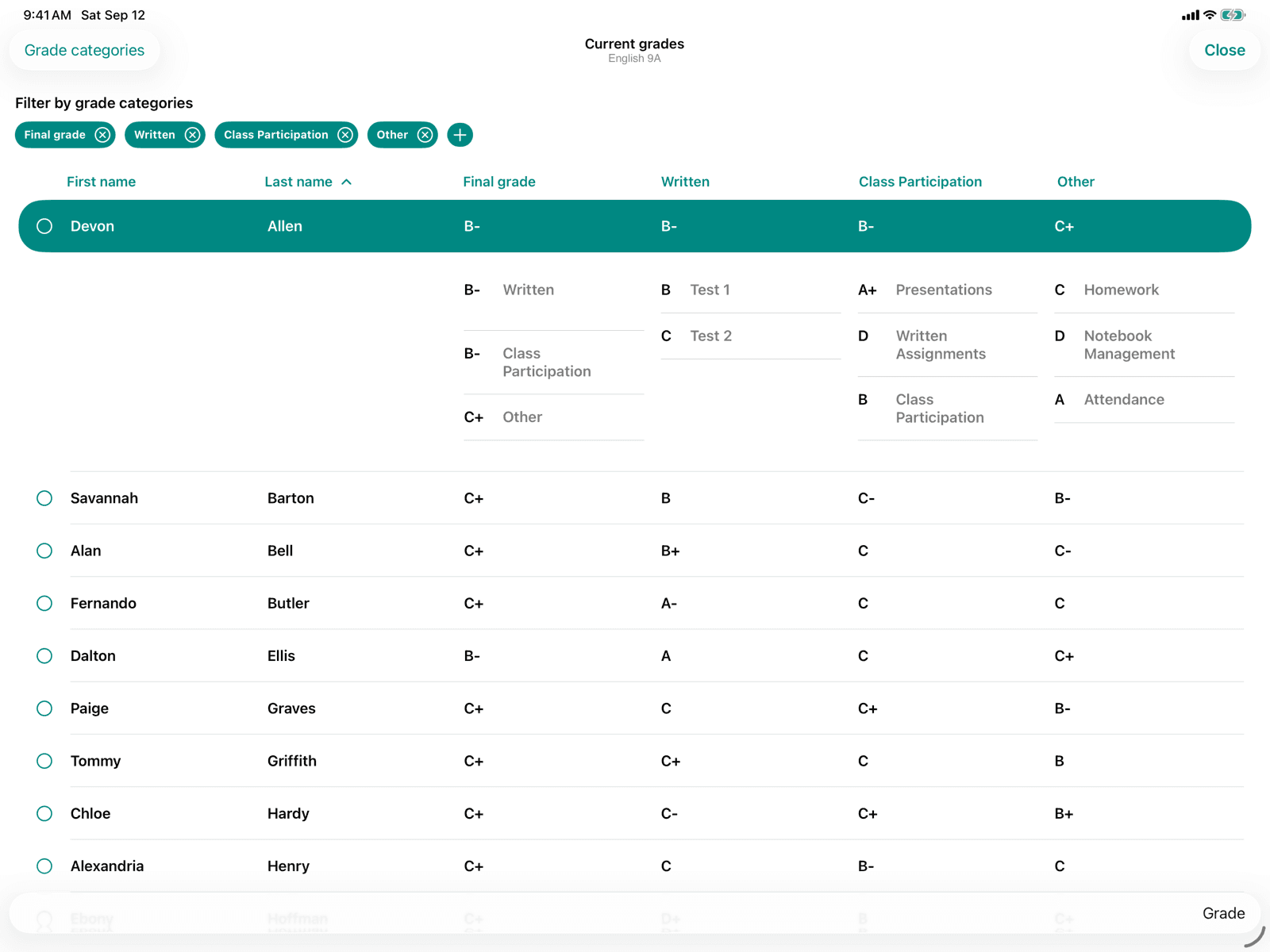
Current grades
Keep track of all calculated and assigned grades in the course.
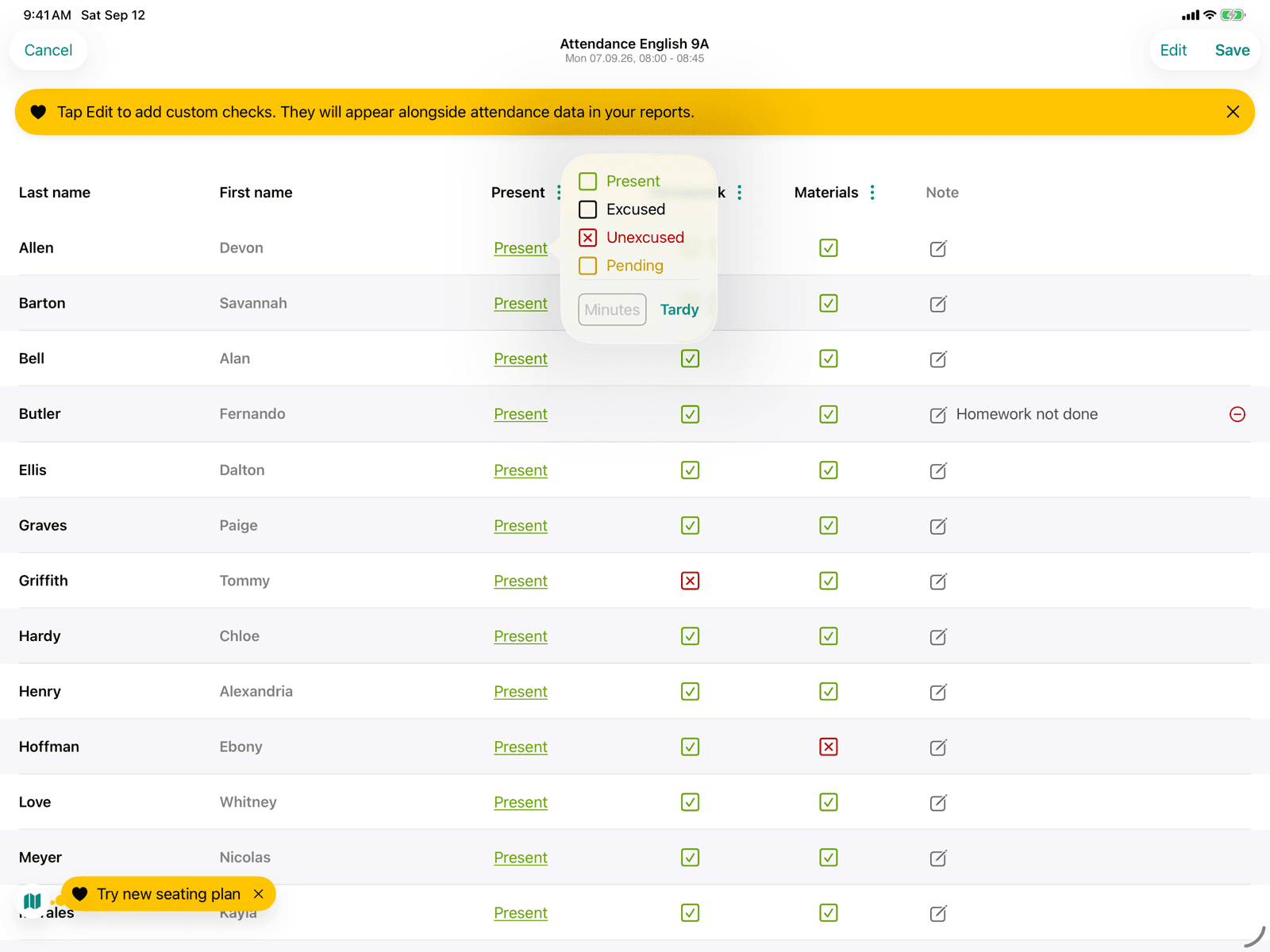
Attendance
Record attendance, checks and a note for each student in a lesson.
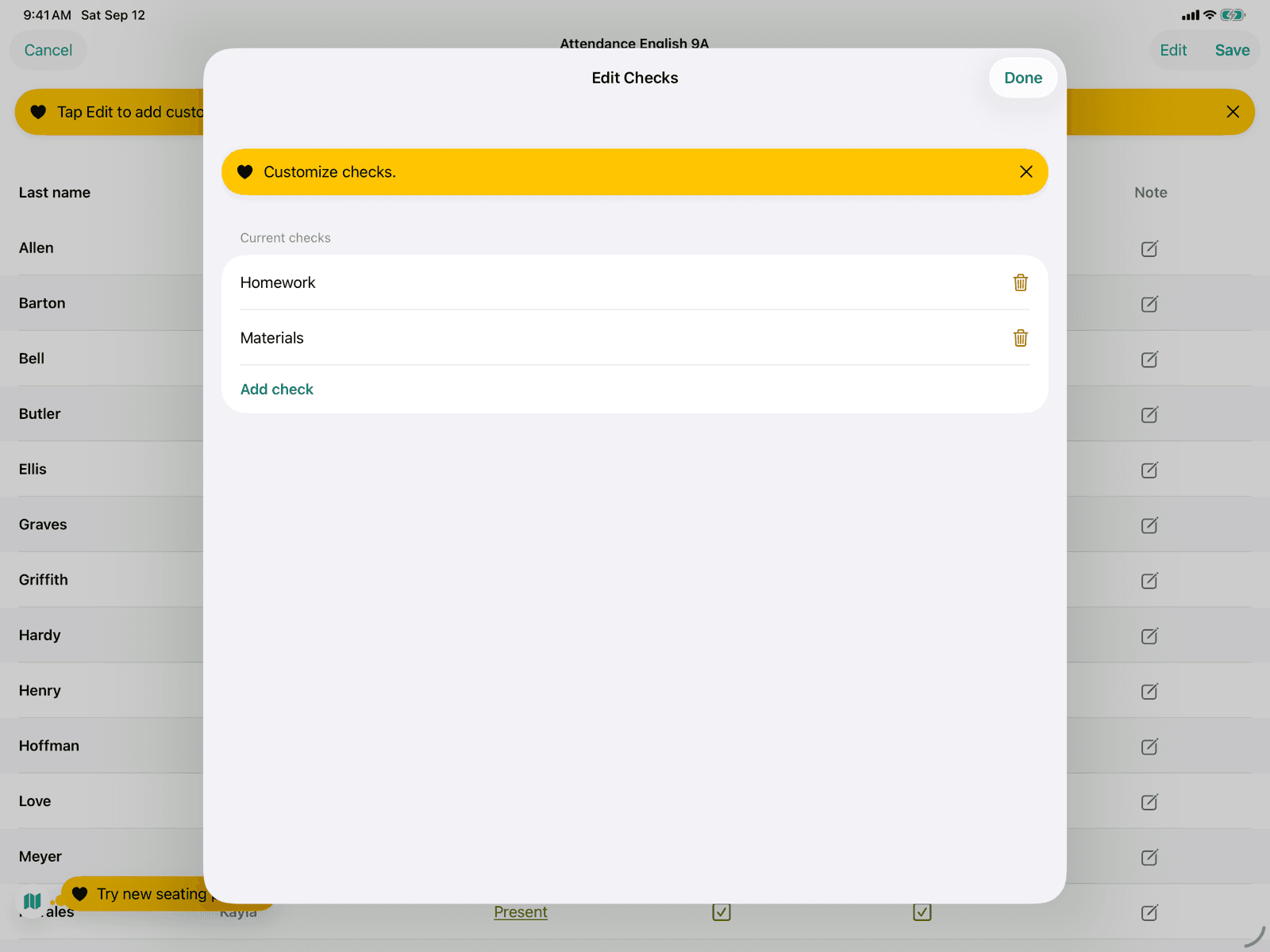
Custom checks under attendance
Create your own checks that are reviewed in every lesson of the course.
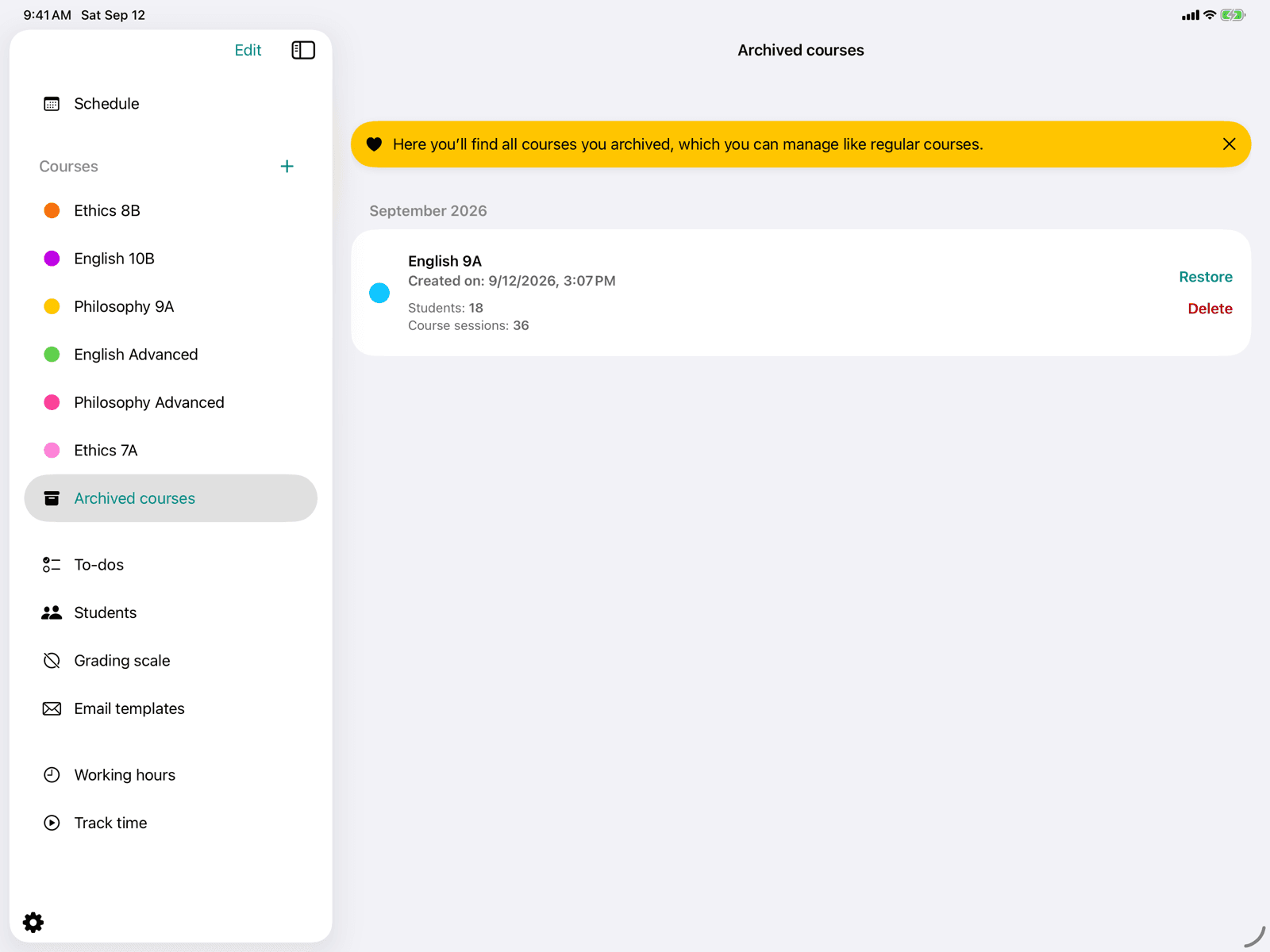
Archive courses
Archive courses when you no longer need them but do not want to delete them yet.
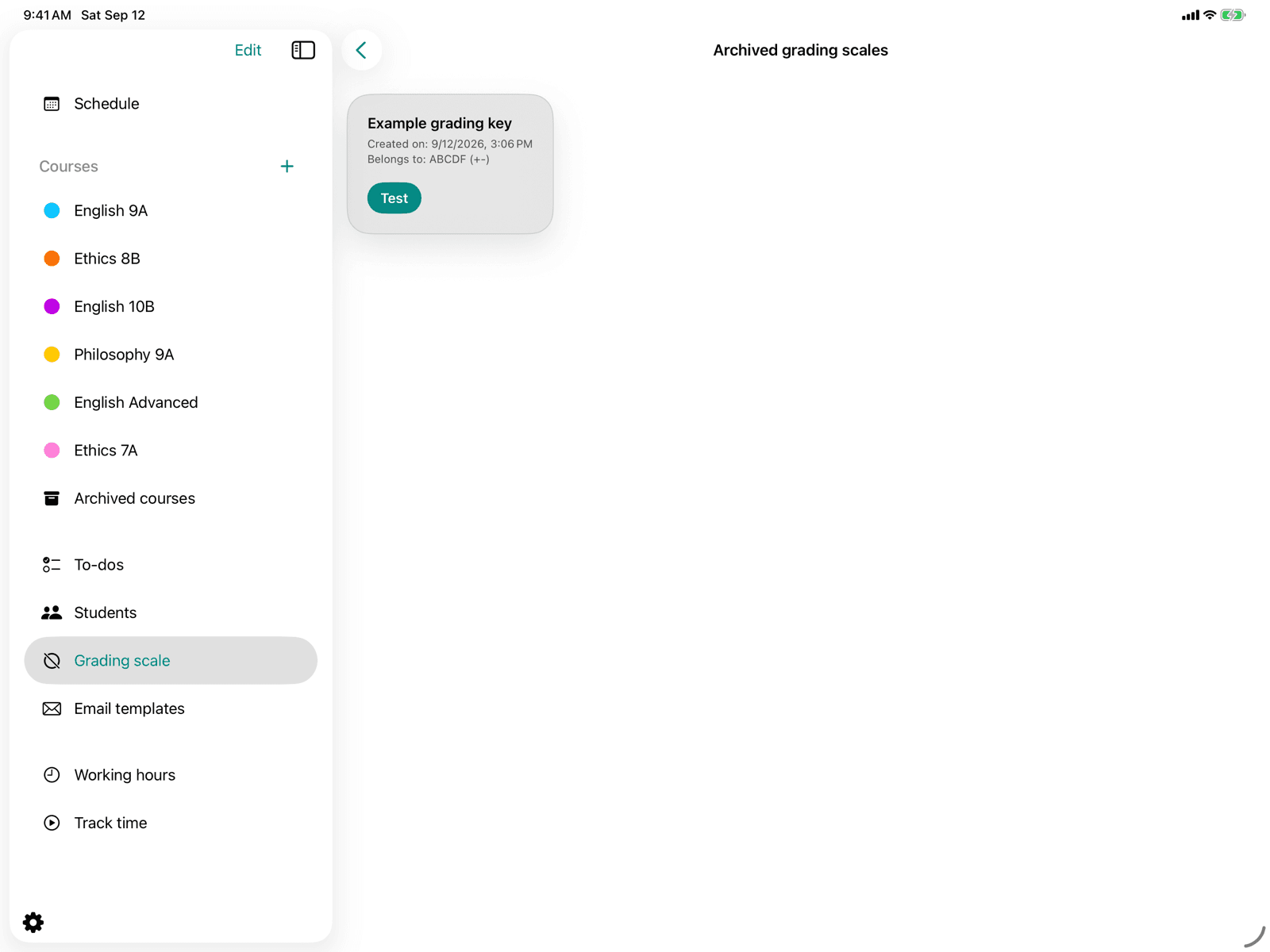
Archived grading scales
Access previously archived grading keys and grading schemes.
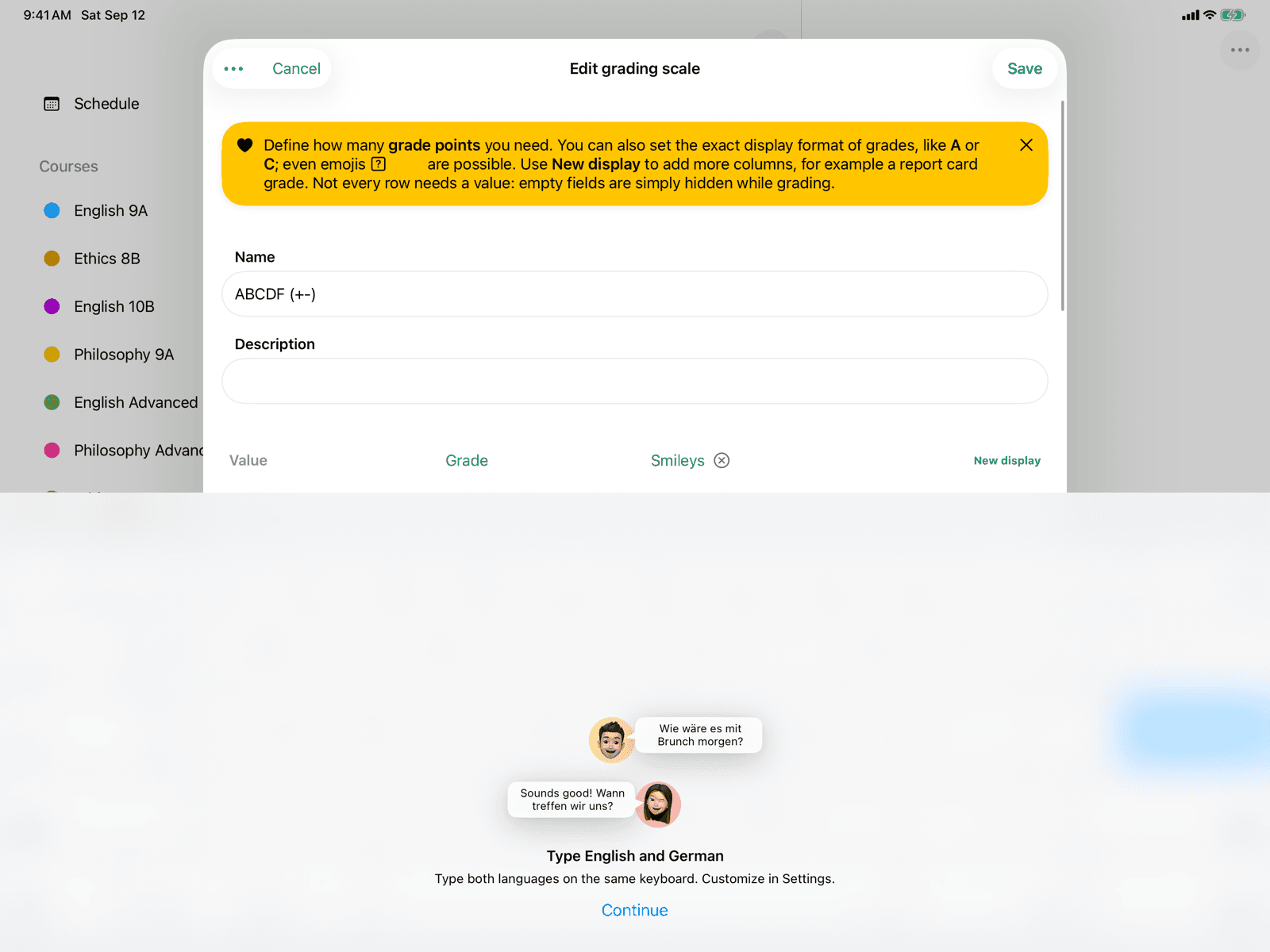
Edit base grading scale
Define the grade points and displays of a grading scheme.
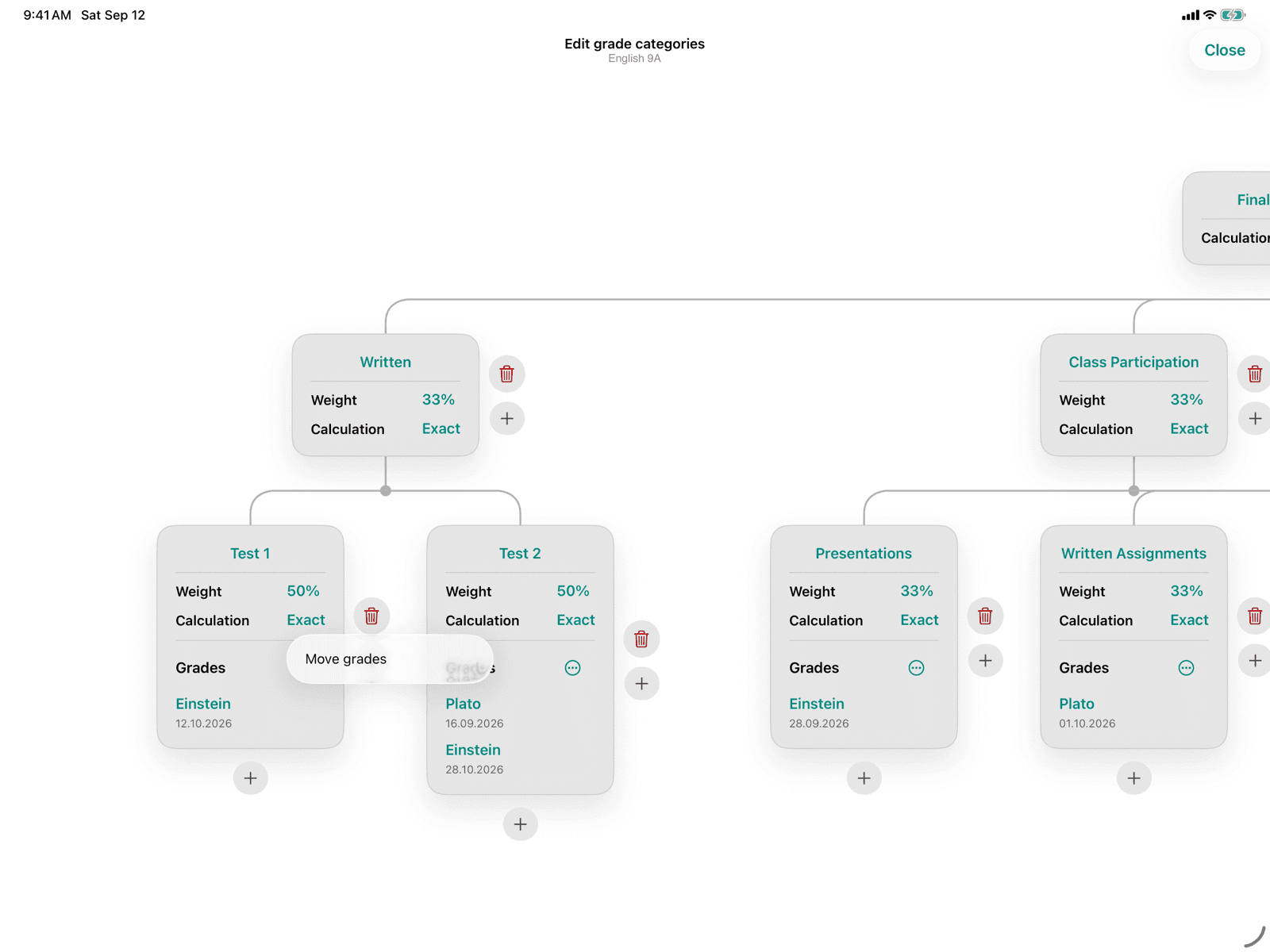
Move gradings
Assign gradings to a different grade category.
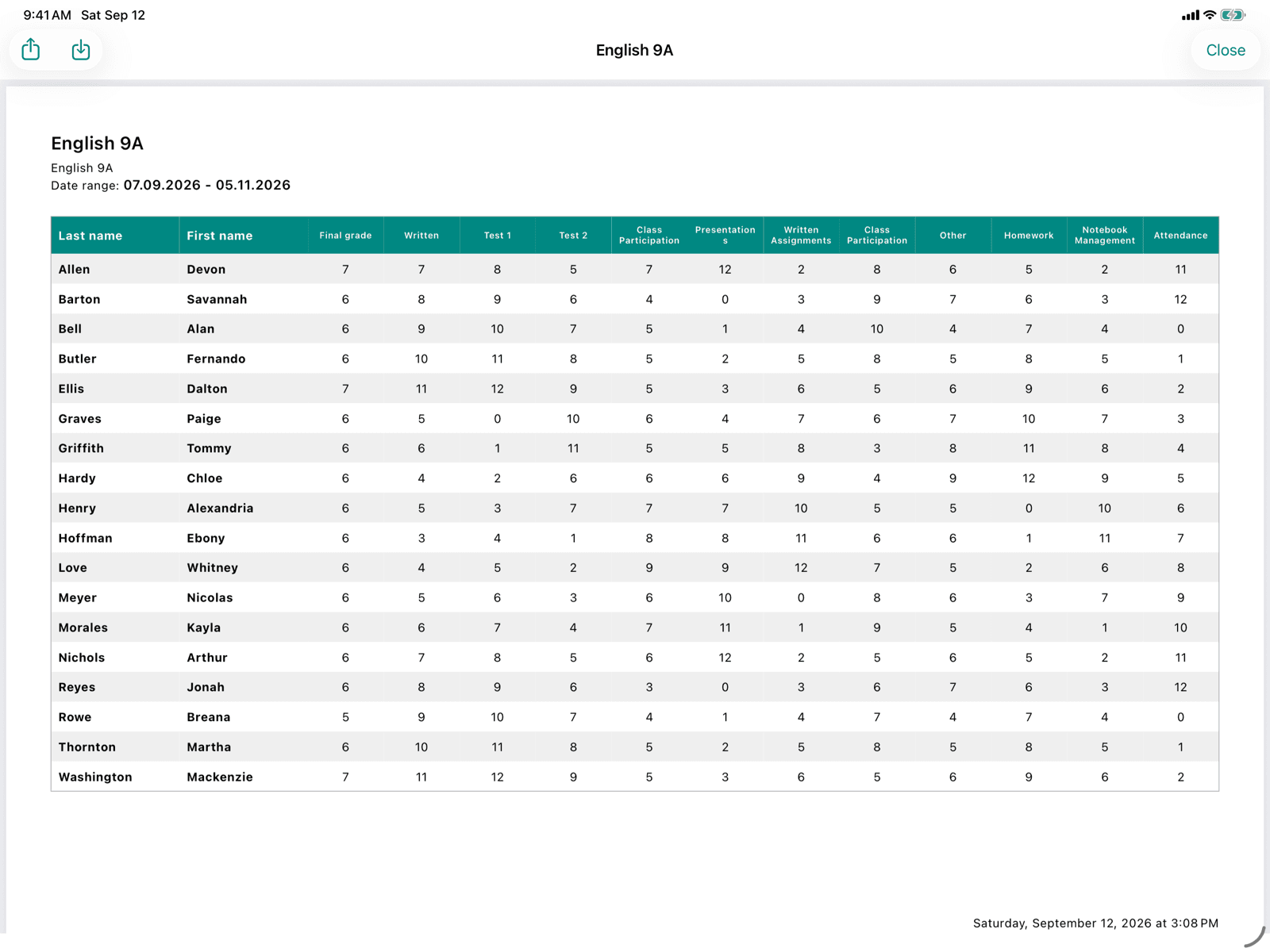
Reports
Generate PDF reports for the course, for individual gradings, or as a course log.
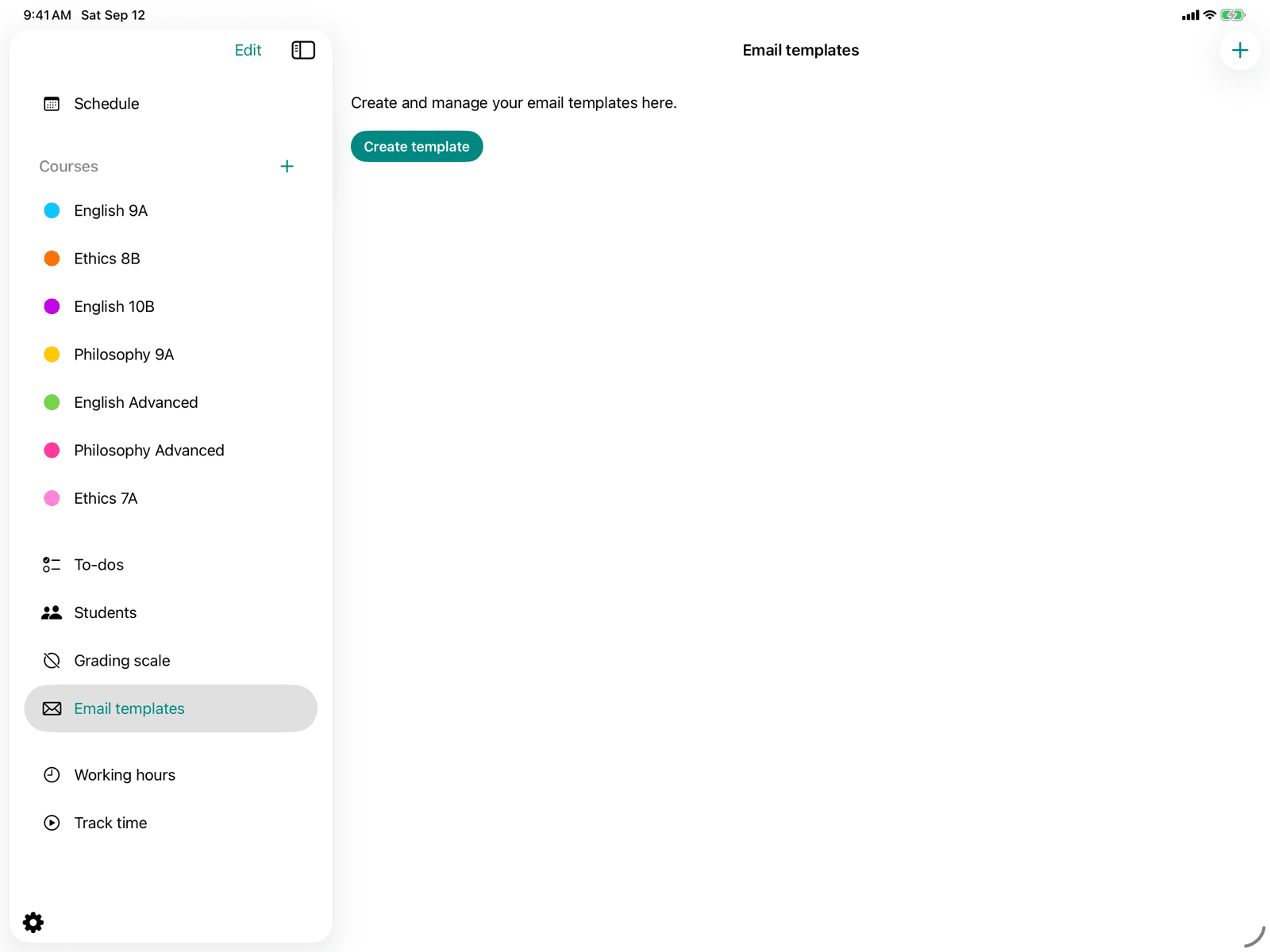
Email templates
Create and manage reusable e-mails.
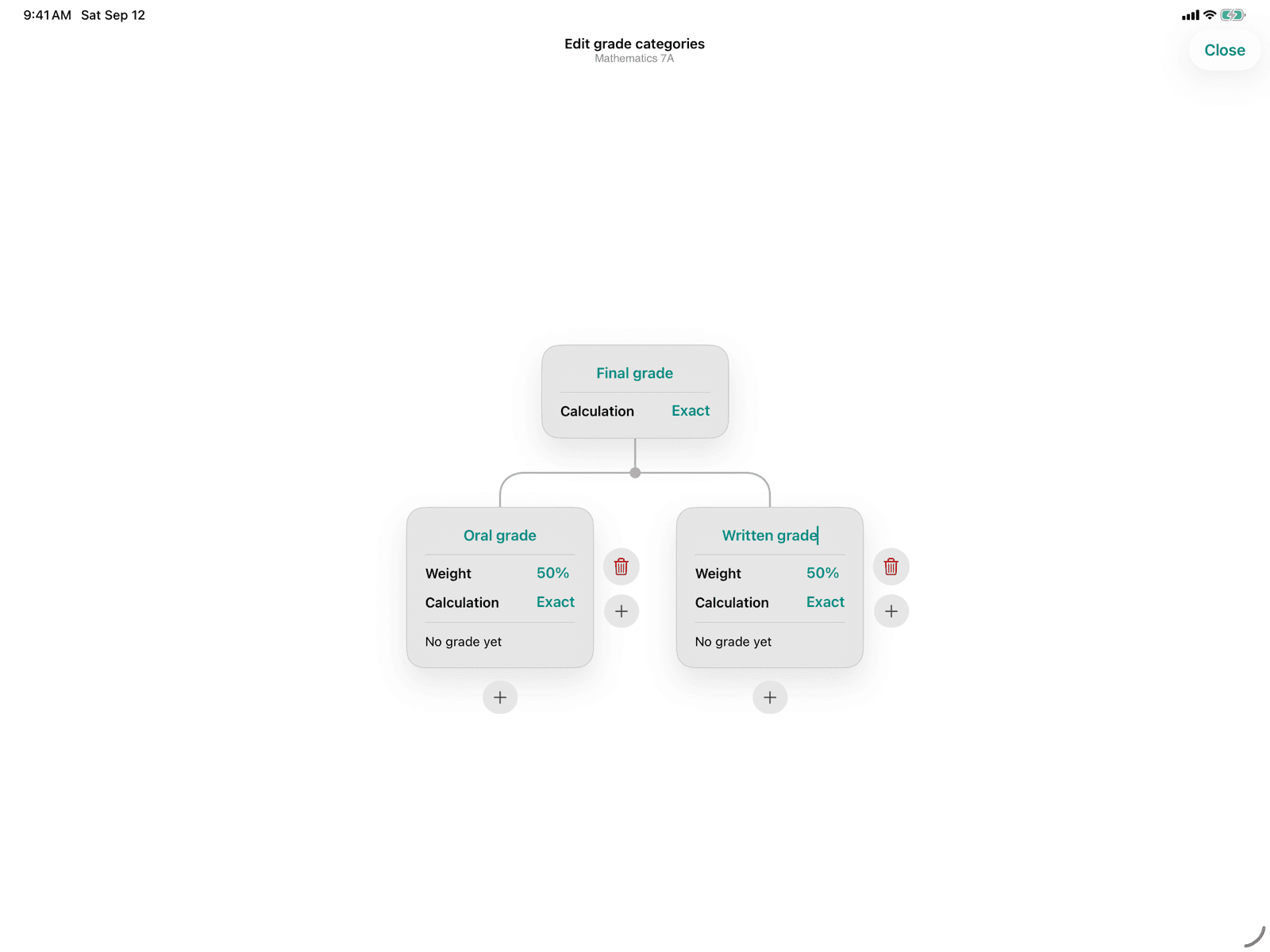
Weighting grade categories
Distribute percentage shares between grade categories on the same level.
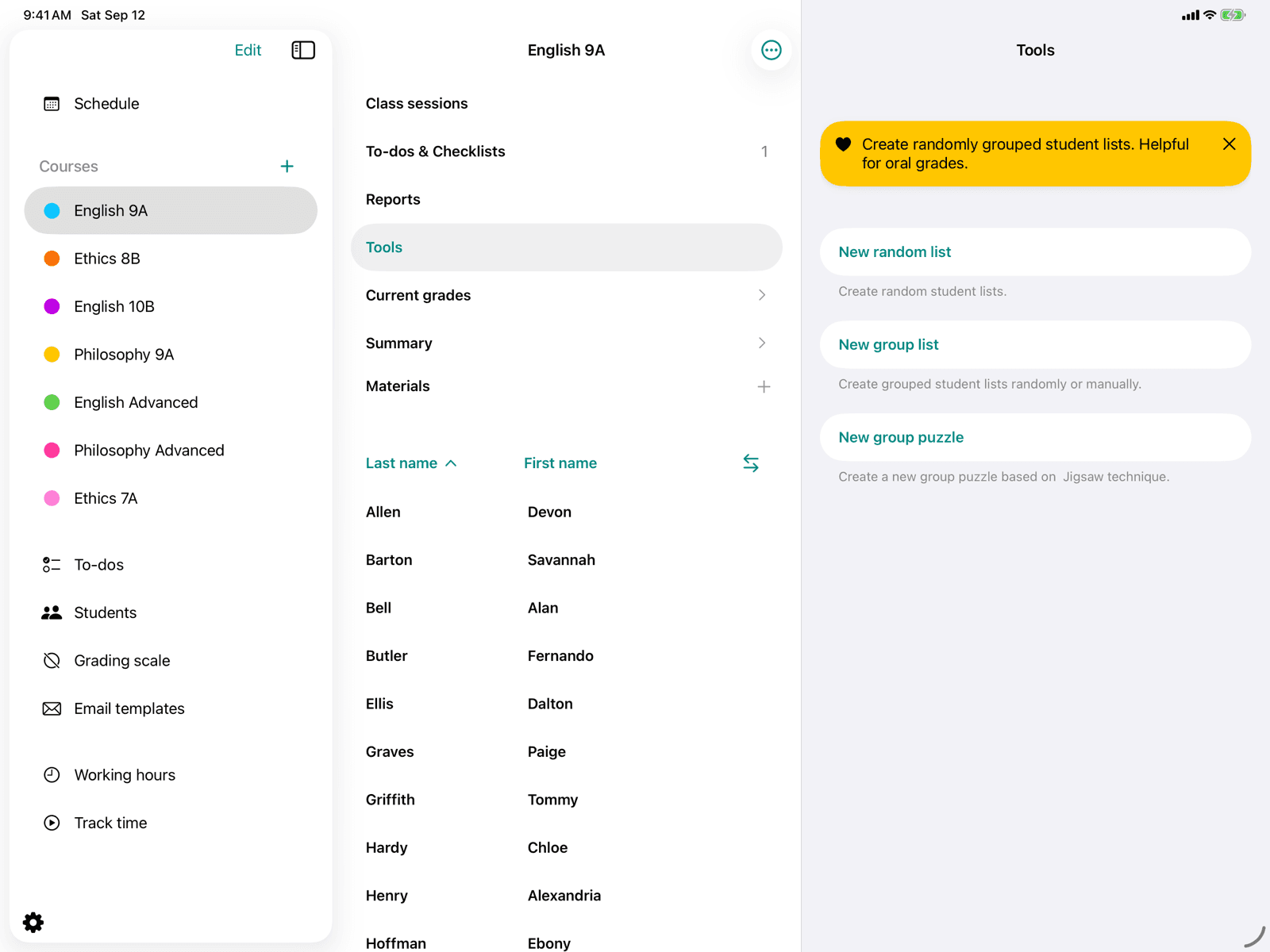
Form groups
Form random groups by number of groups, students per group or your own arrangement.
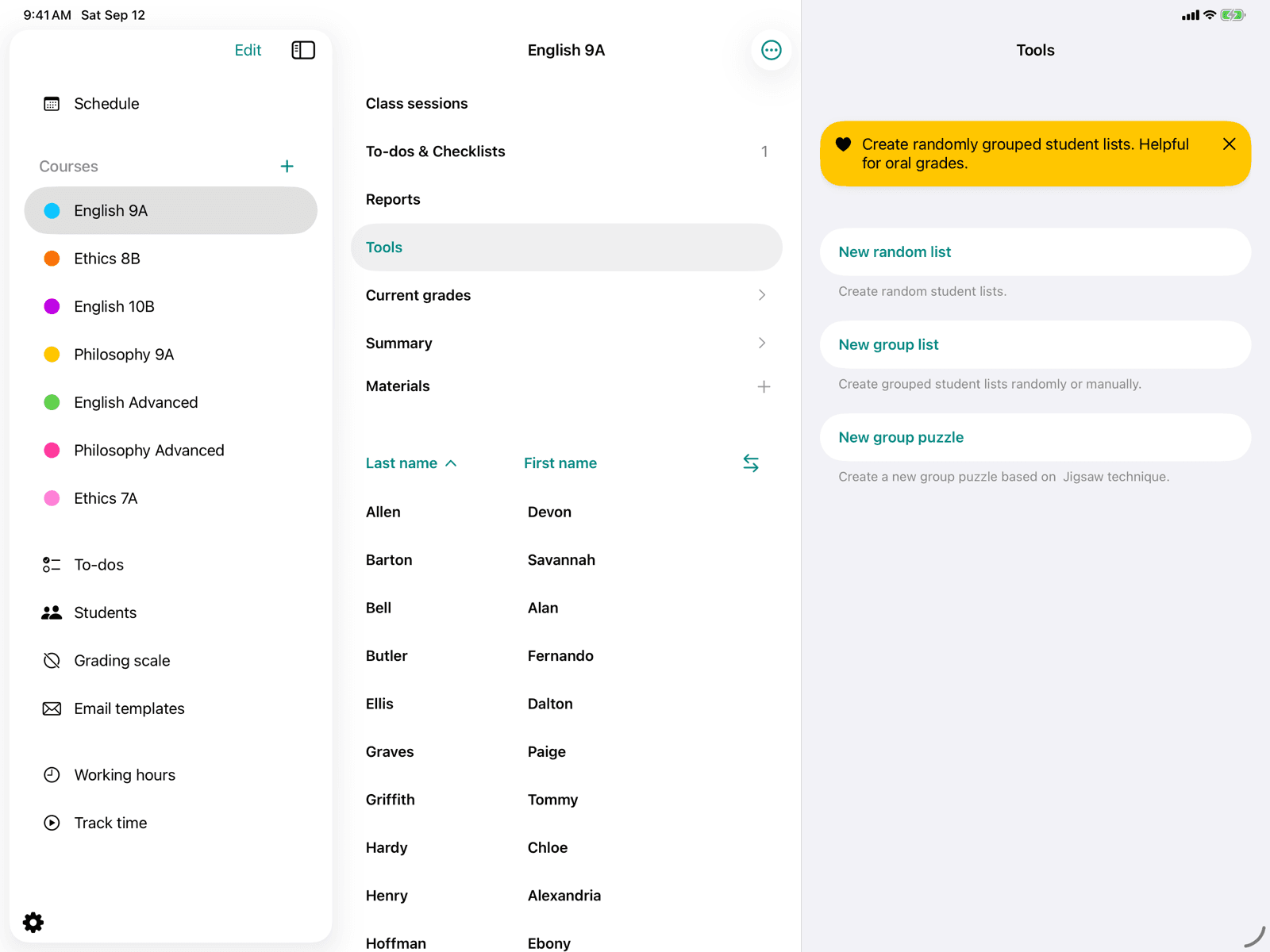
Group puzzle
Create home and expert groups using the jigsaw method.
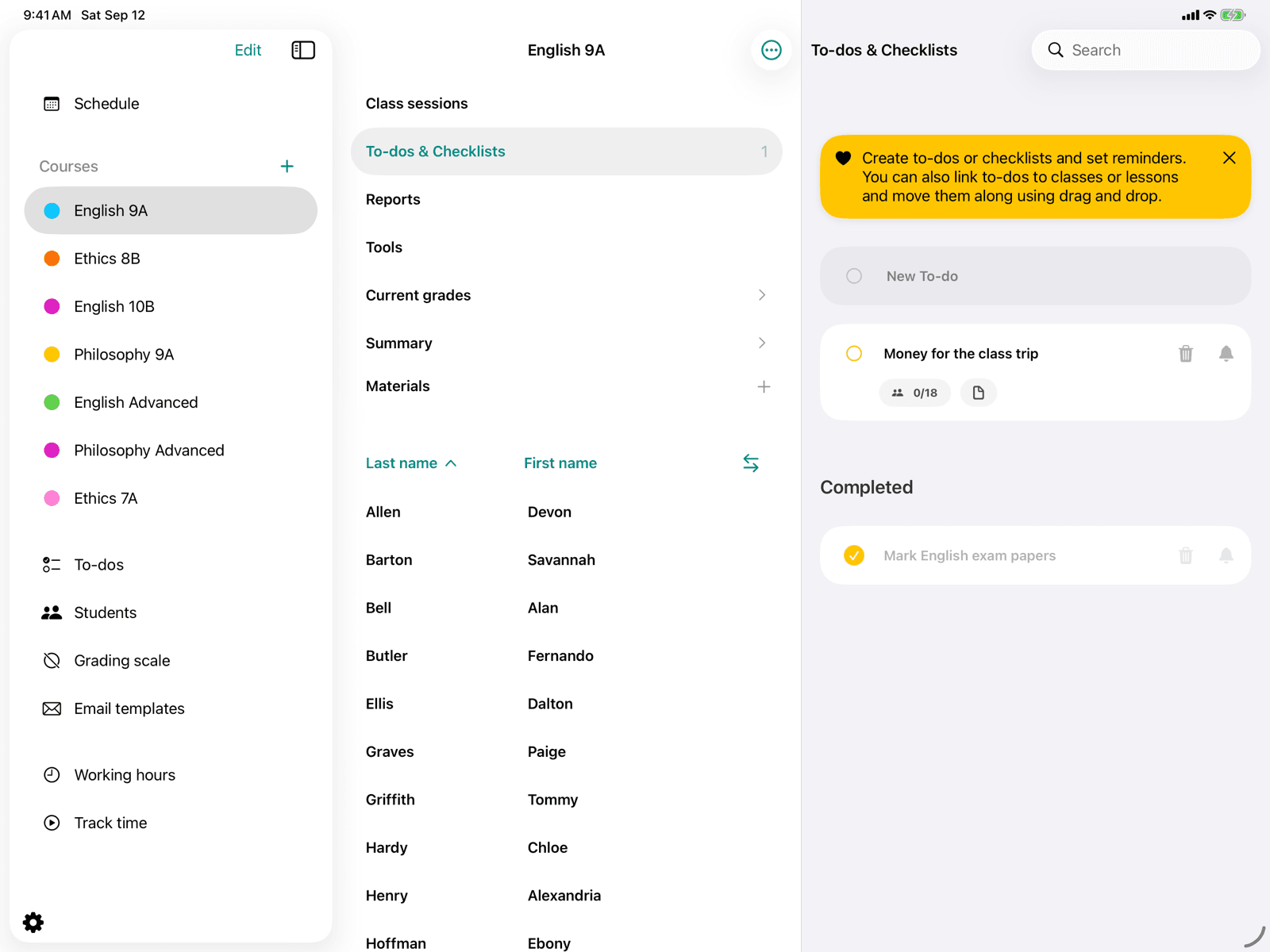
Course to-dos
Manage all to-dos and checklists for a course in one place.
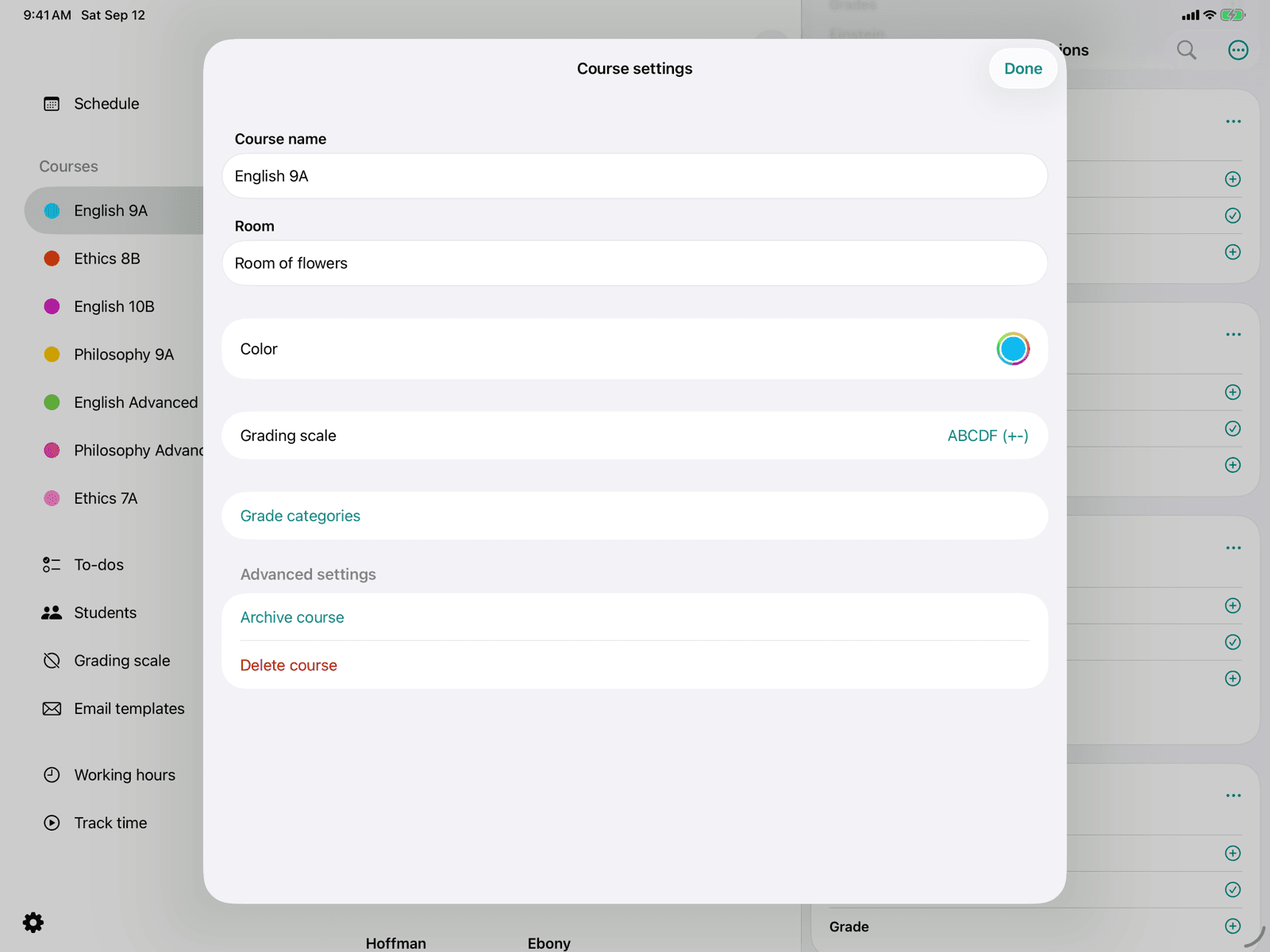
Edit course
Adjust the name, room, colour and grading scheme of a course.
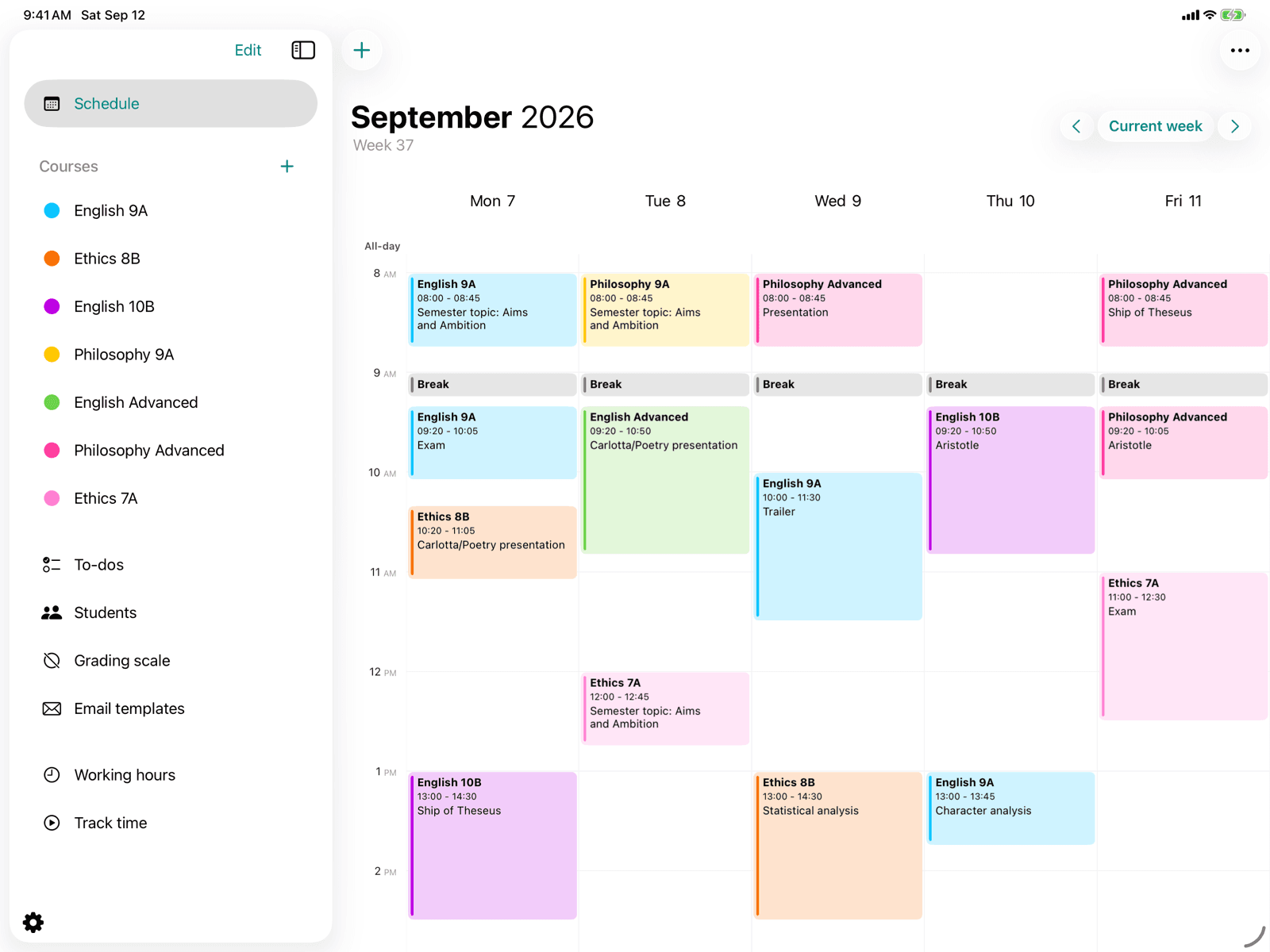
Create a course
Set up a new course with name, room, color, and grading scheme.
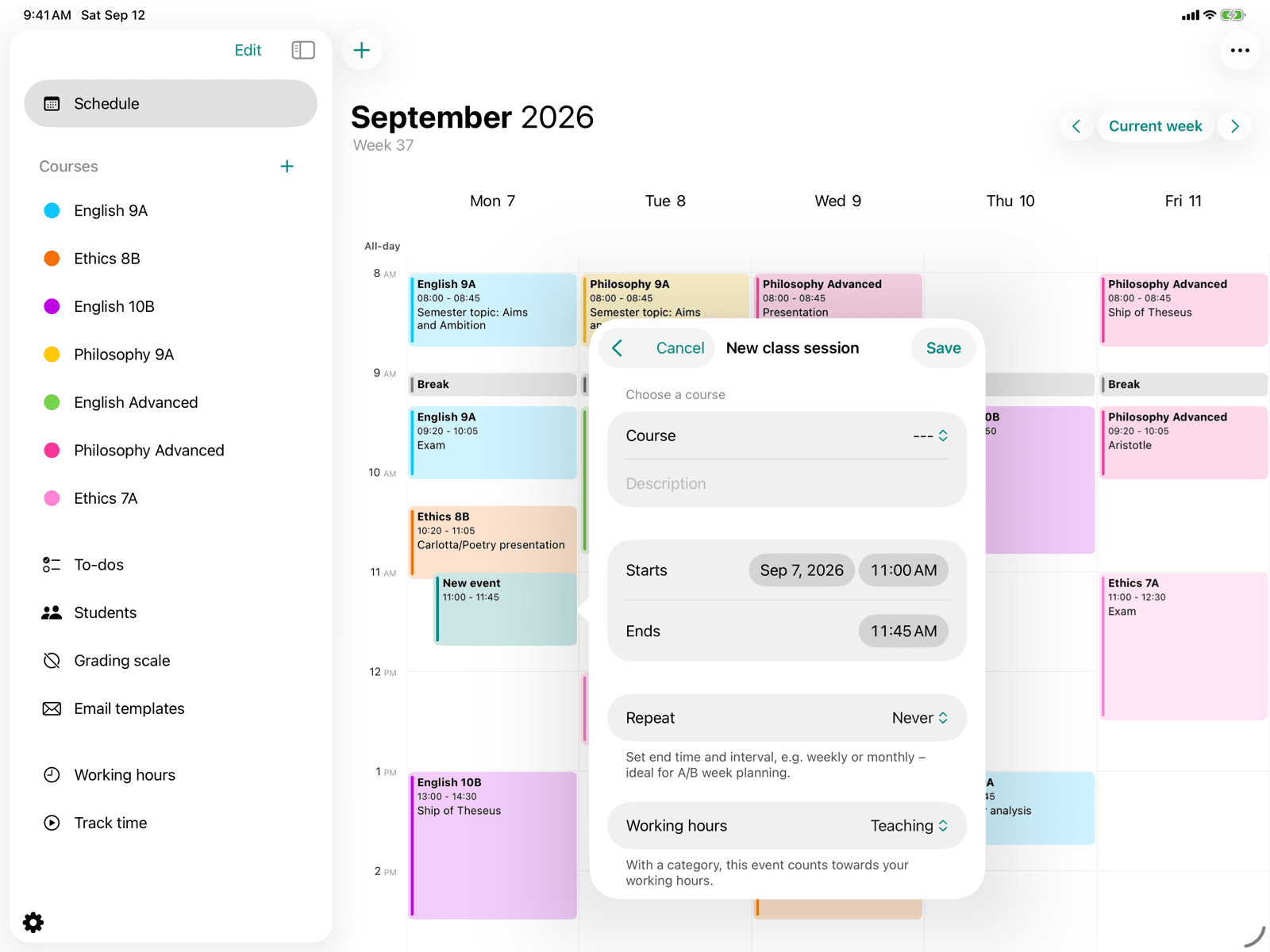
Create a course event
Schedule a lesson in the calendar with a course, time range, and repetition.
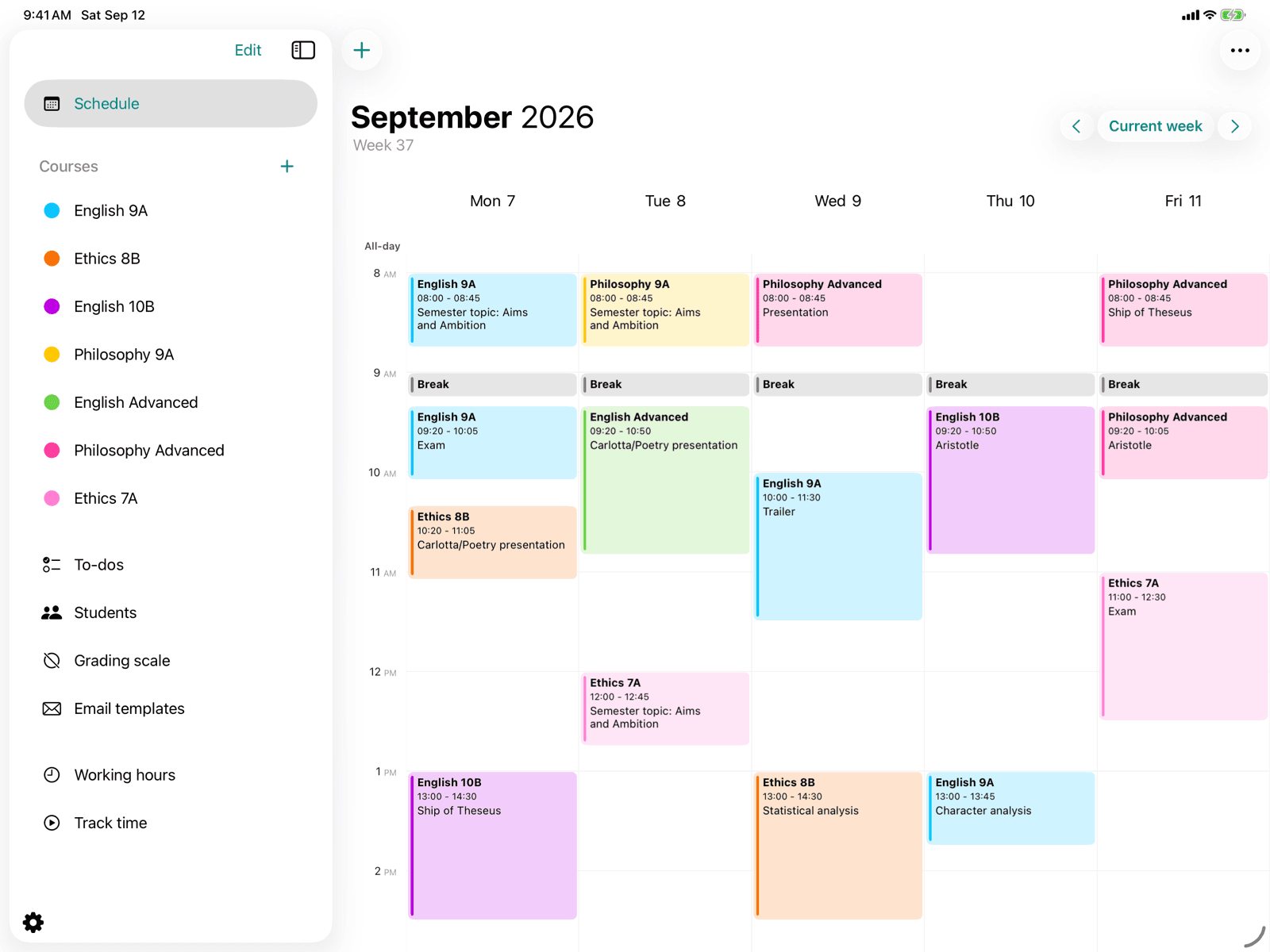
Courses
Access all active courses from the side menu.
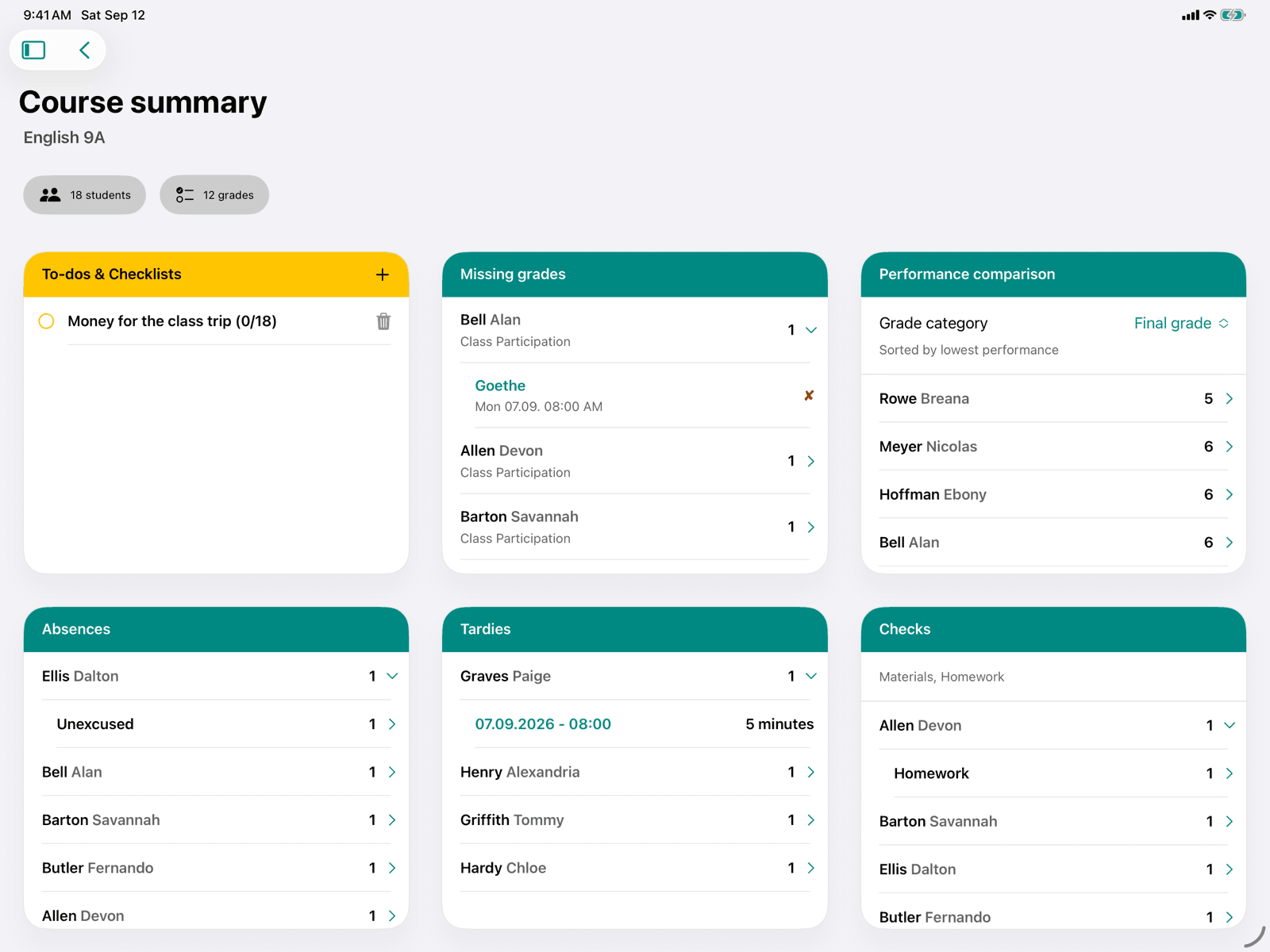
Course report
See to-dos, missing grades, comparison, absences, tardiness and checks at a glance.
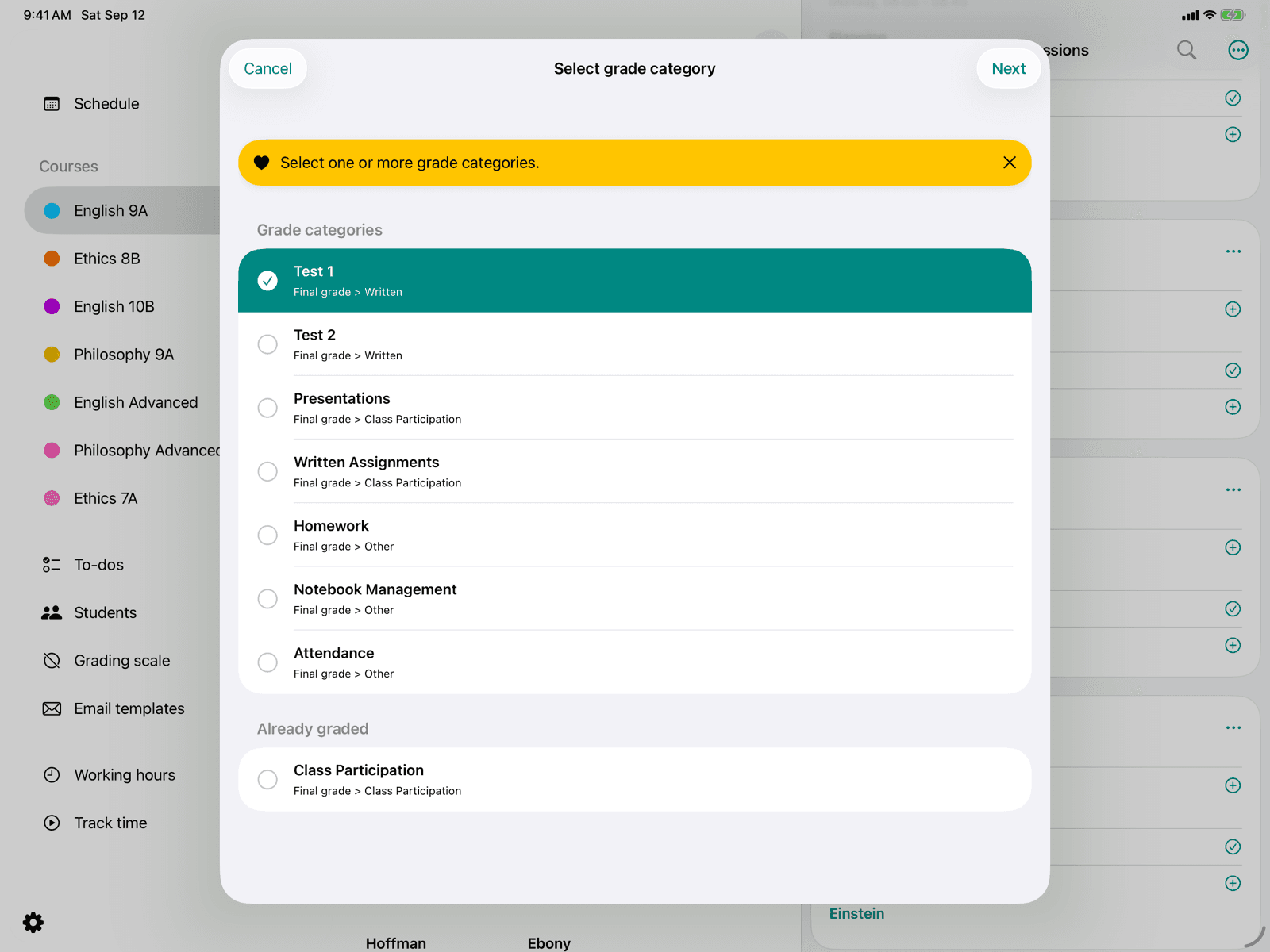
Enter a grade
Enter a grade per student in one or more grade categories.
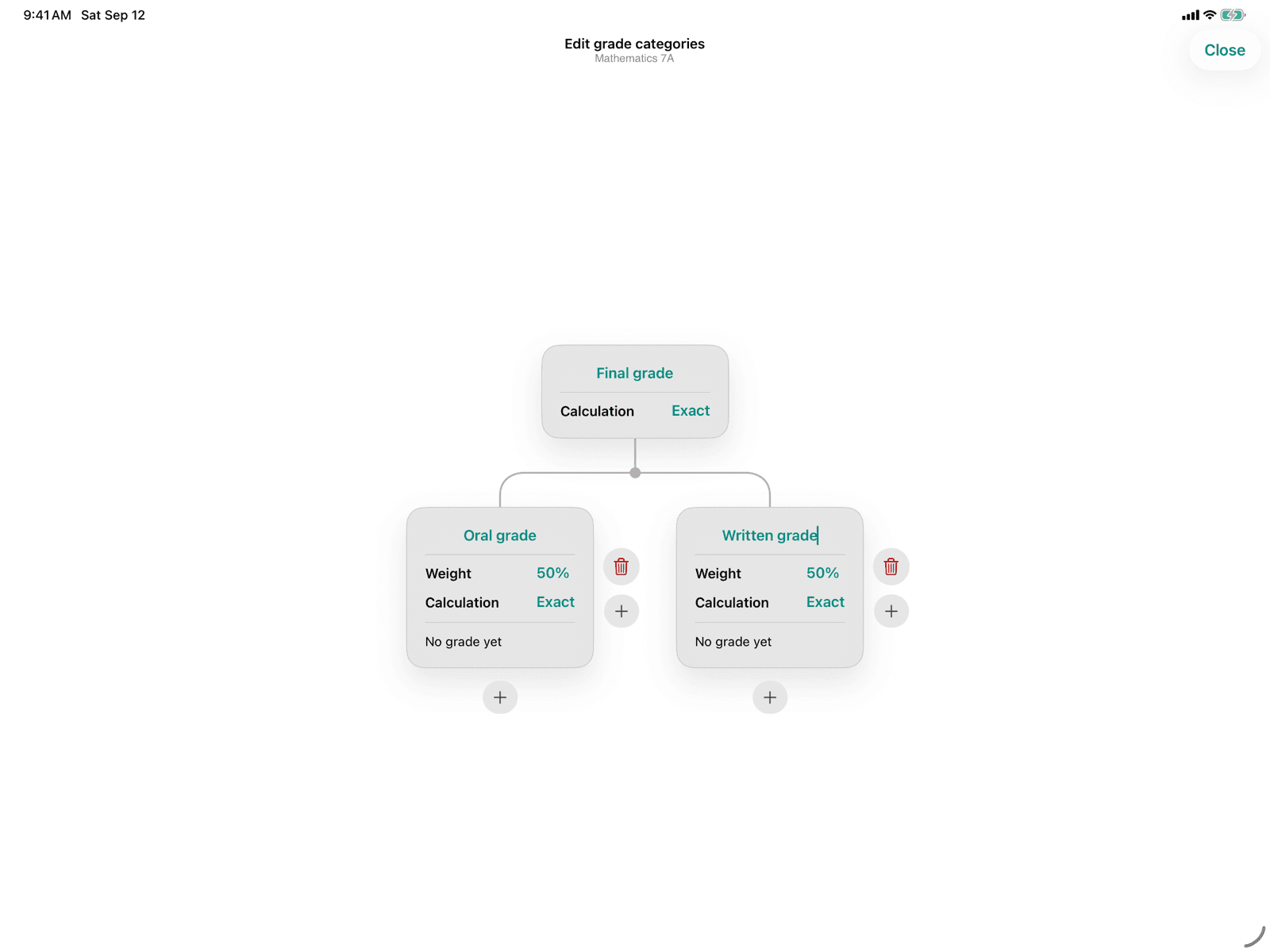
Edit grade categories
Structure your course's grade categories as a hierarchical mind map.
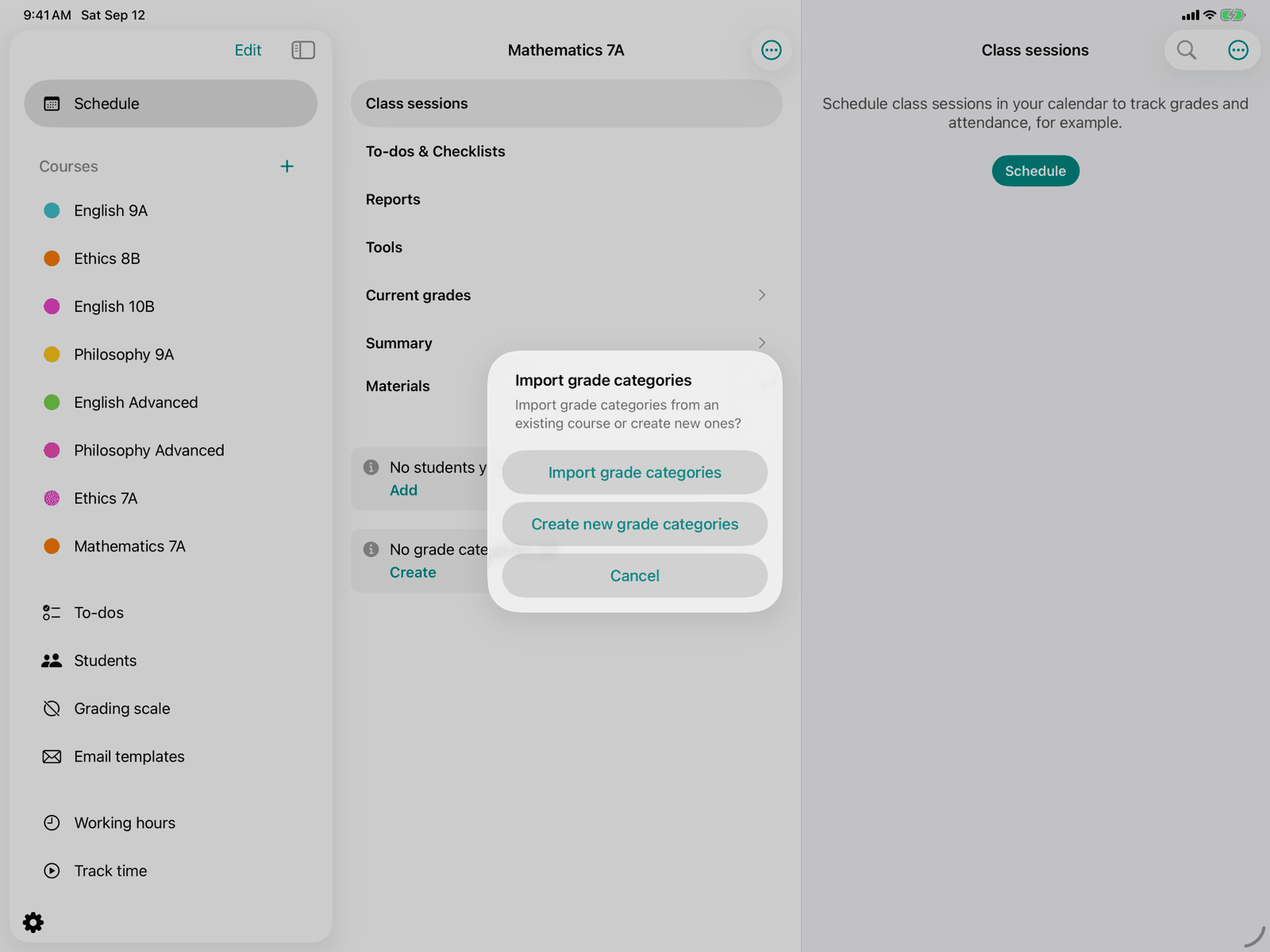
Import grade categories
Bring the grade categories of another course into the current course.
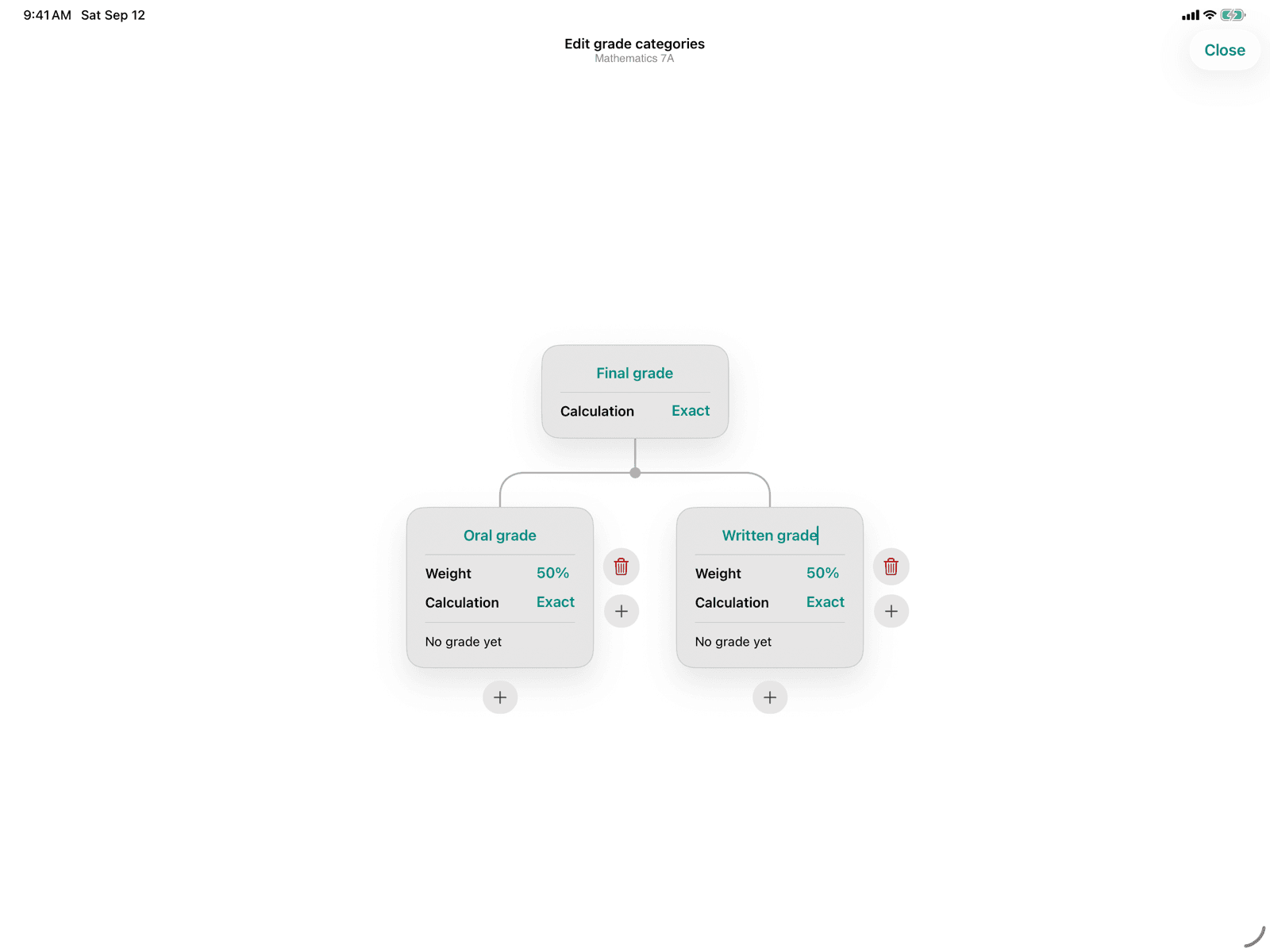
Grade categories
Manage the structure, weighting, and whether your grade categories should be rounded.
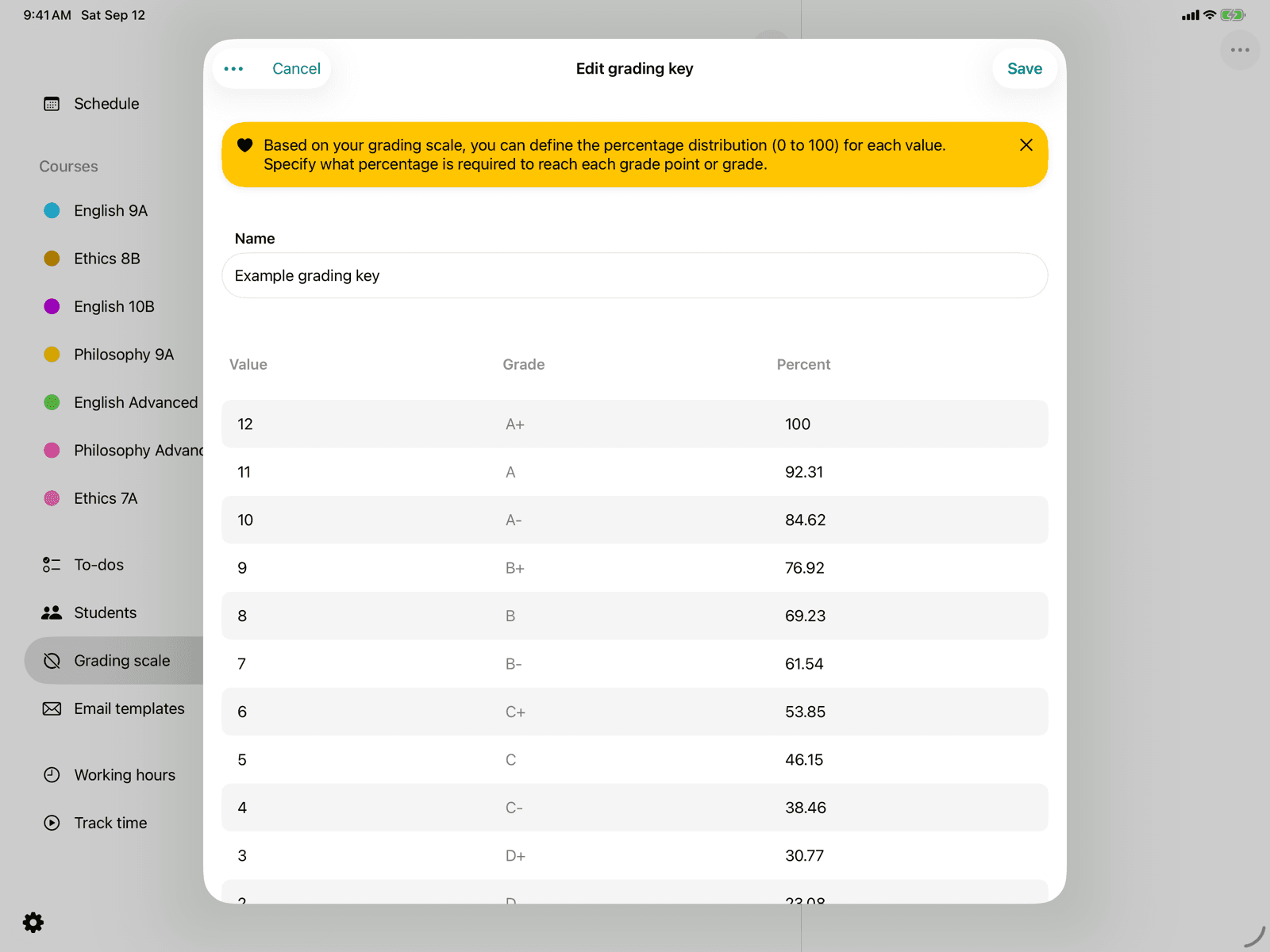
Edit grading key
Adjust the name and percentage distribution of an existing grading key.
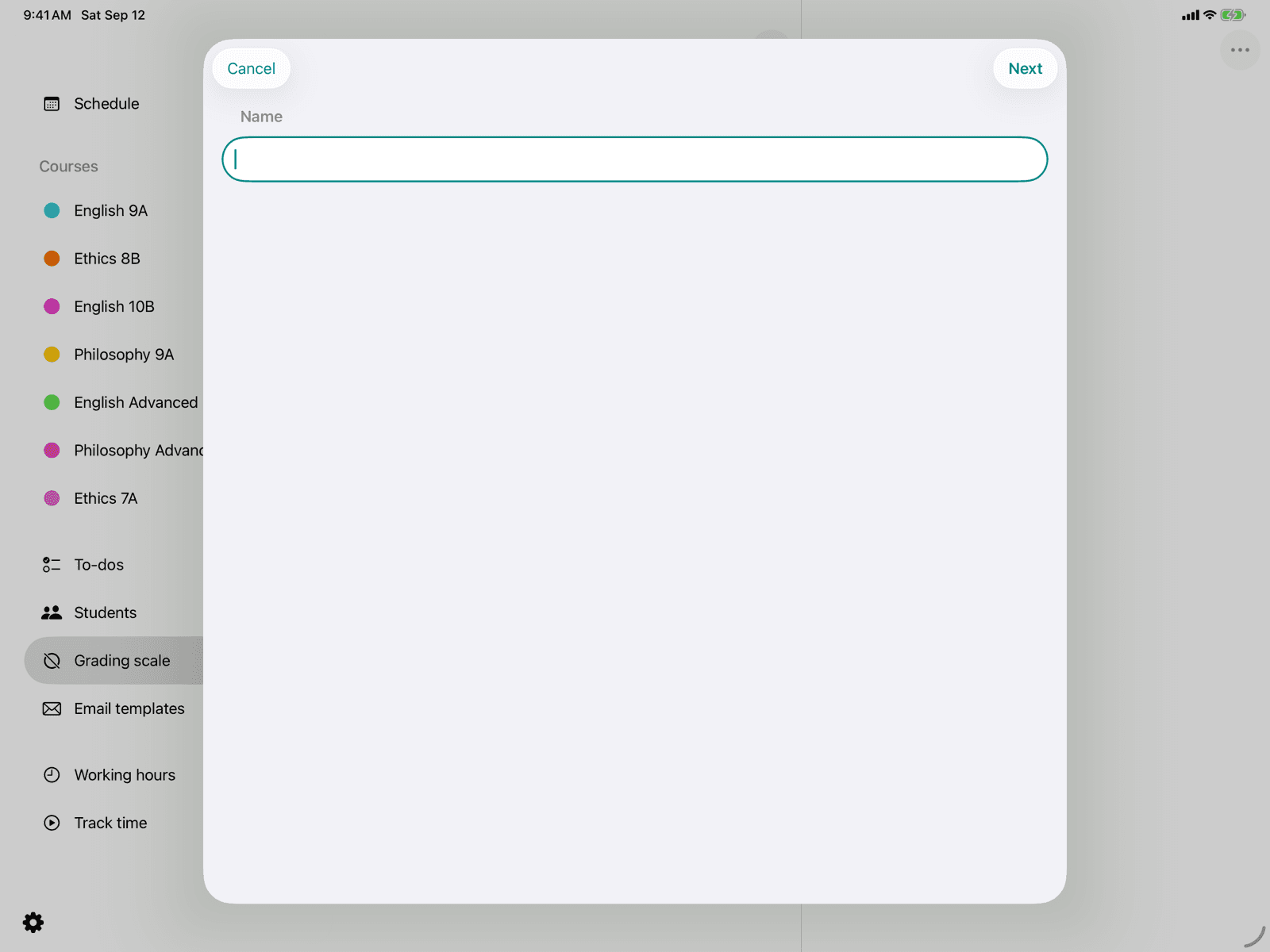
Create grading key
Create a new grading key based on an existing grading scheme.
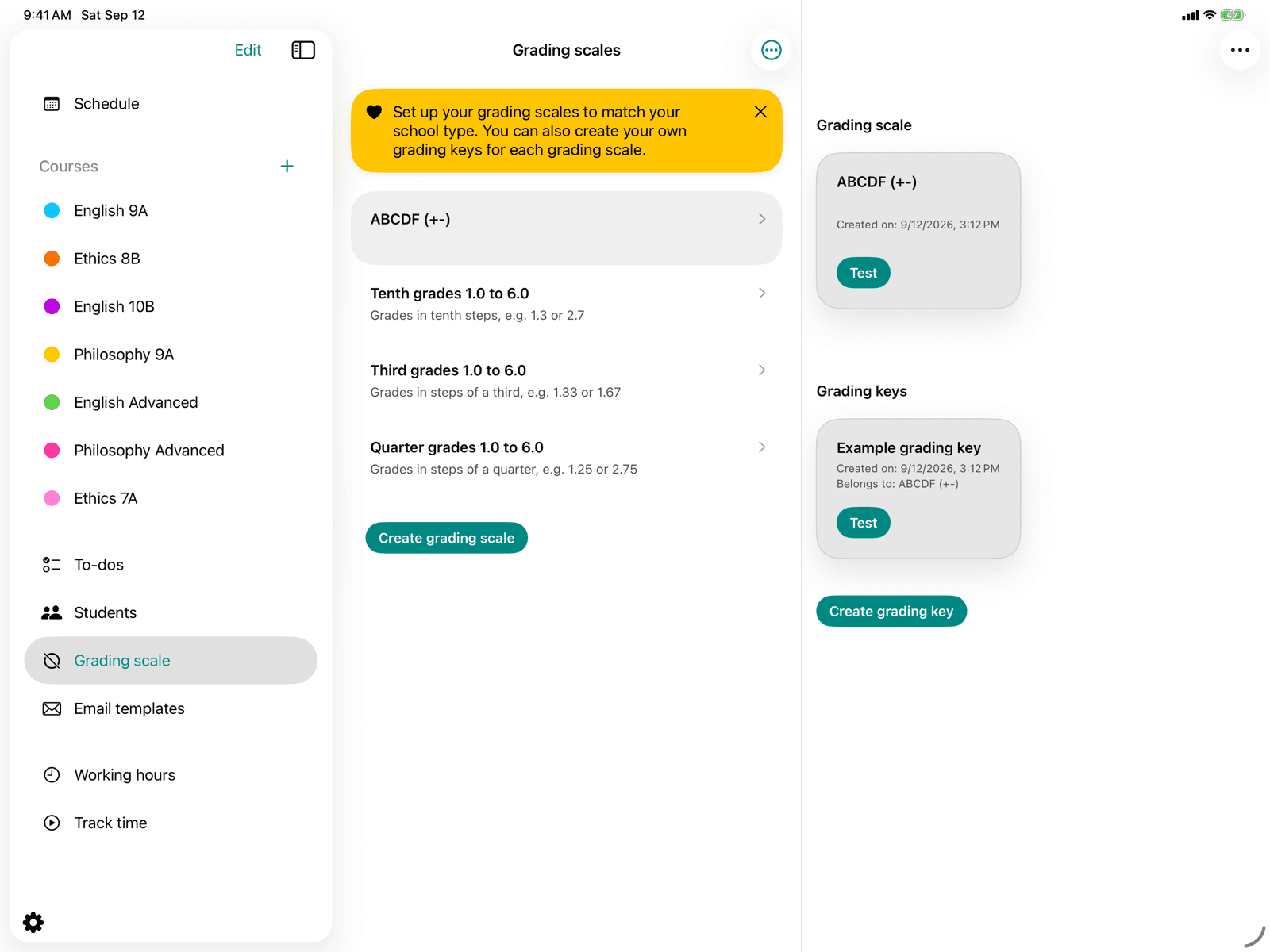
Grading keys
Manage grading schemes and the grading keys based on them.
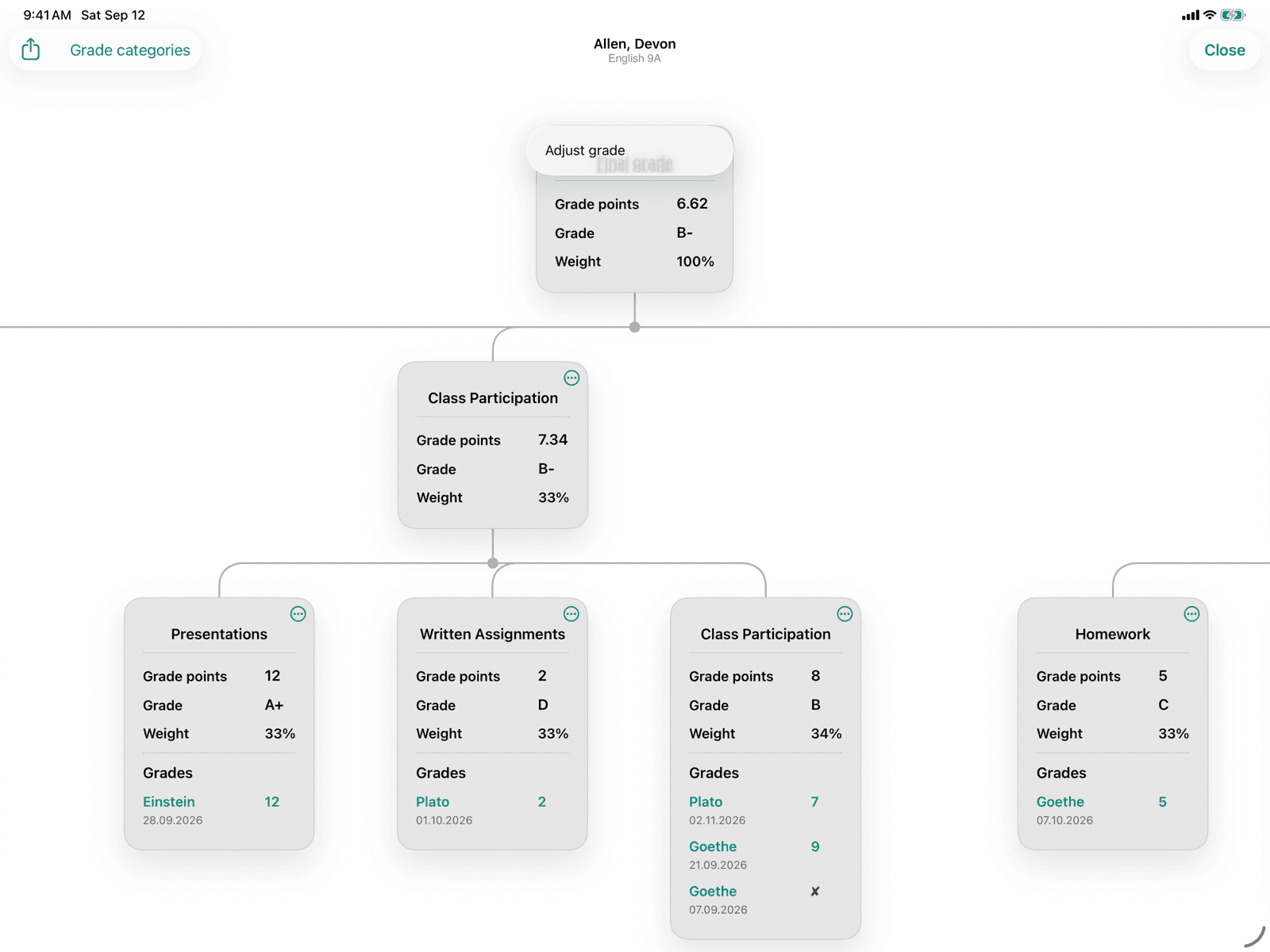
Override grade
Deliberately override the calculated grade of a grade category for a student.
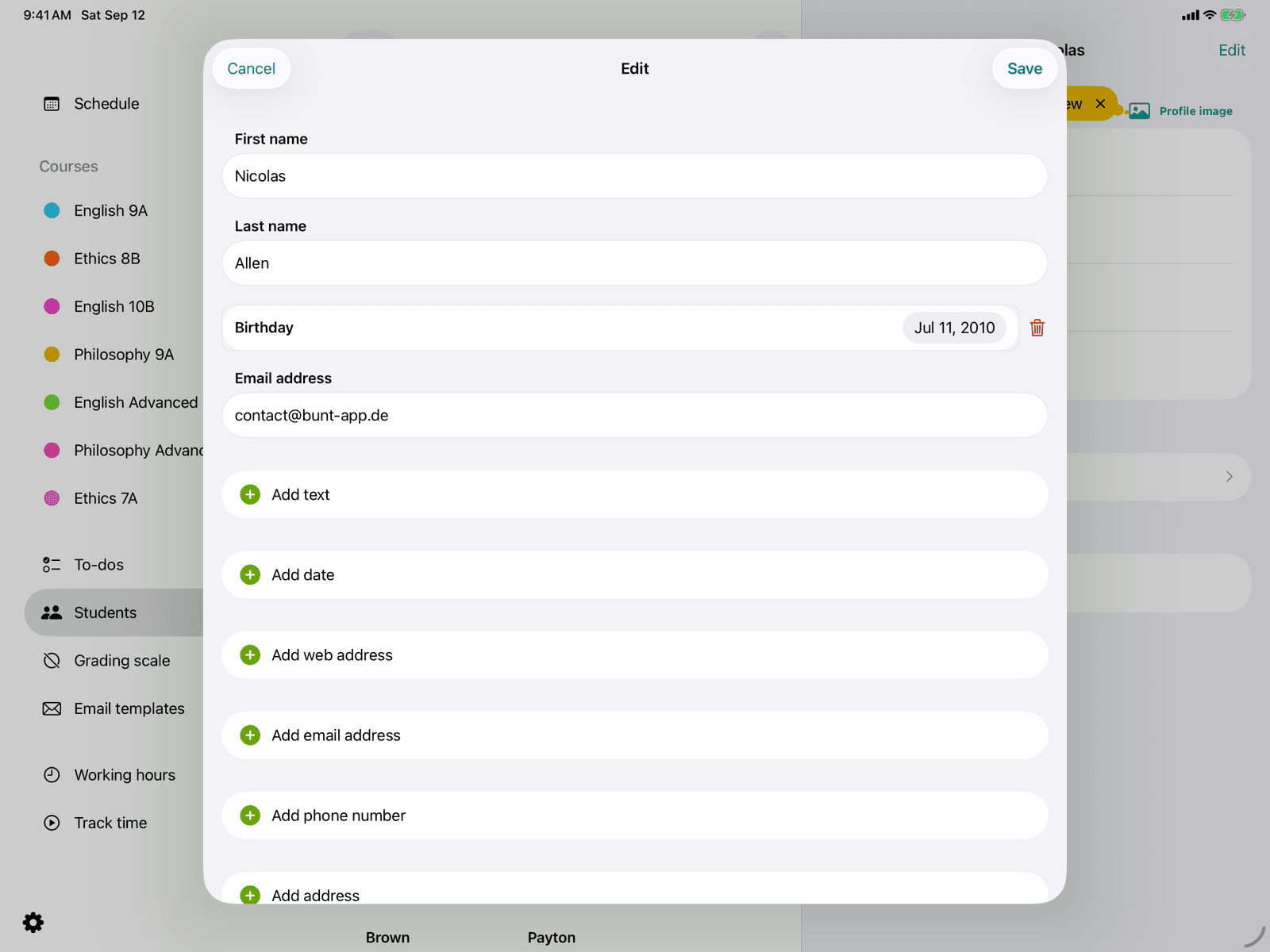
Edit a student
Edit a student's core data and remove them if needed.
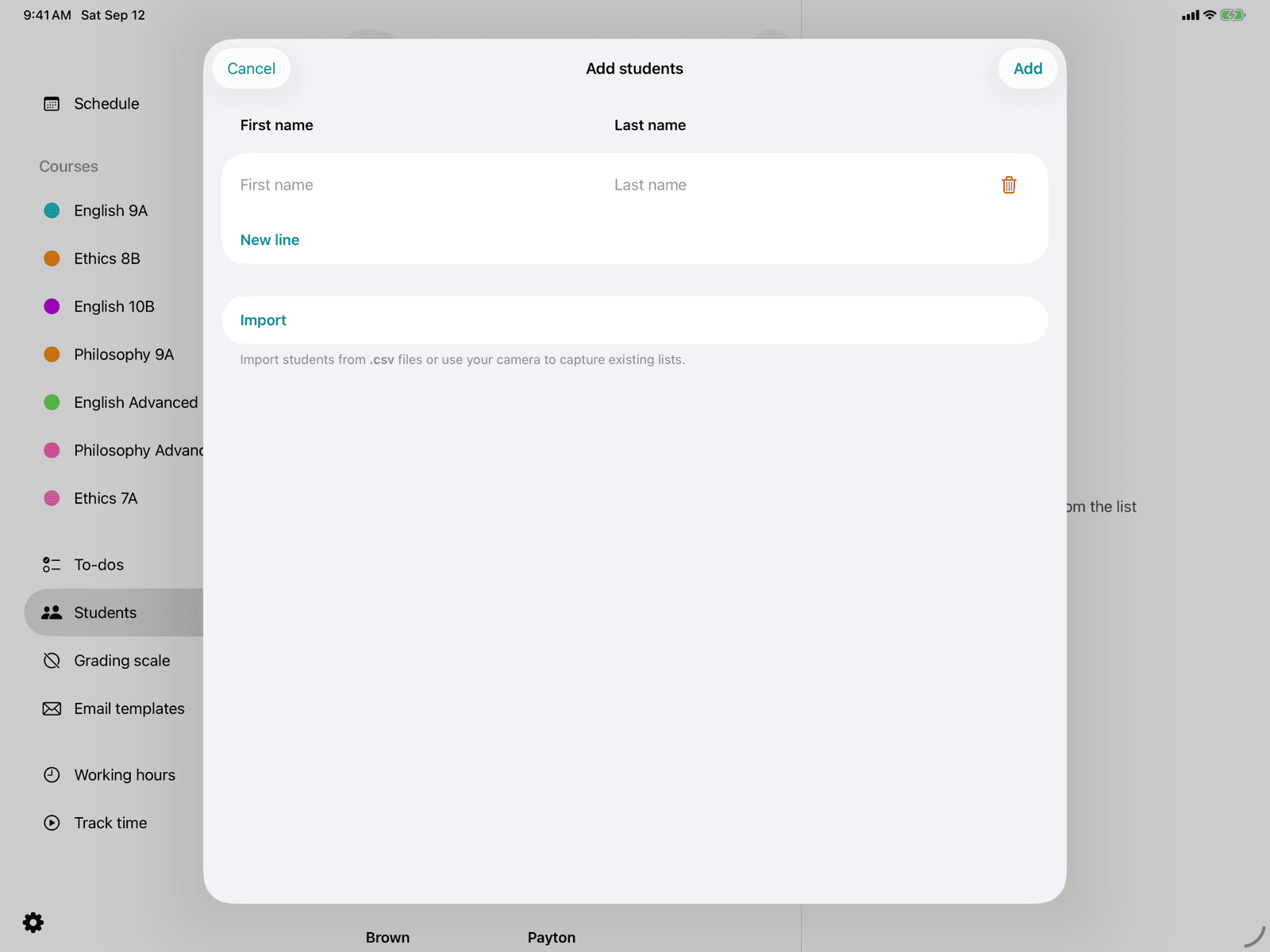
Create a student
Add a single new student with first and last name.
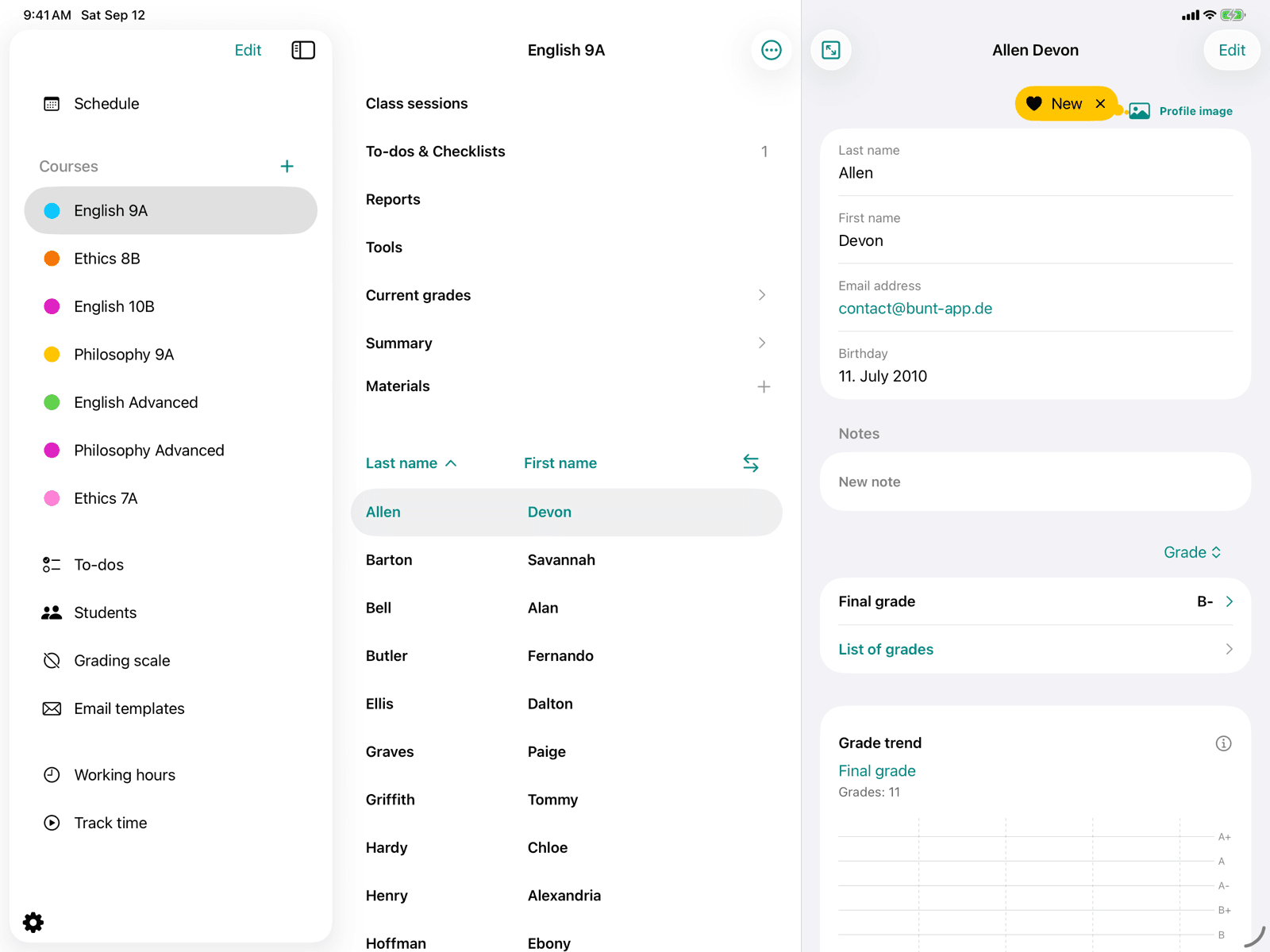
Student in the course
Overview of master data, notes, and grades for a student in a course.
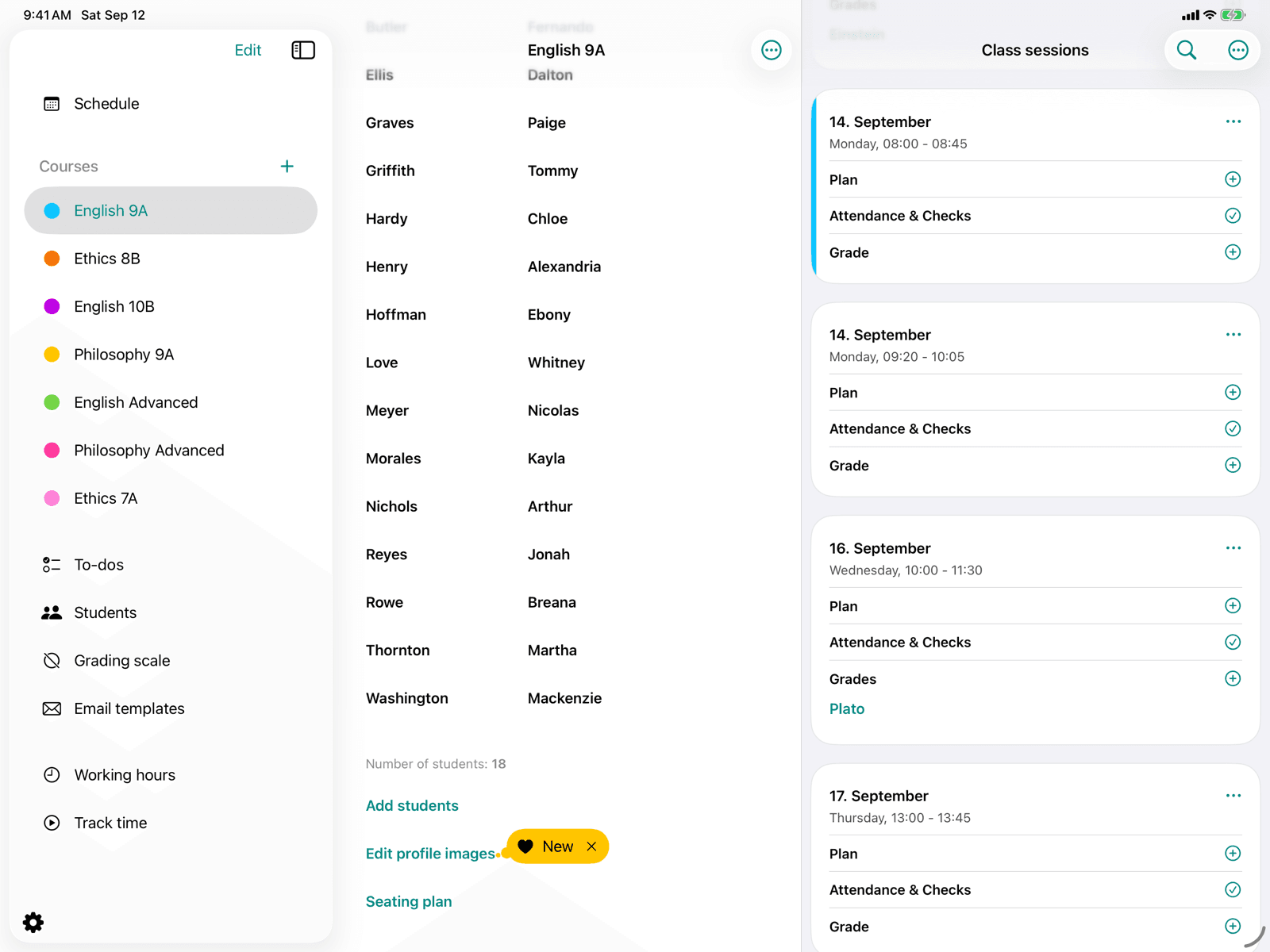
Add students
Create students and assign them to your course.
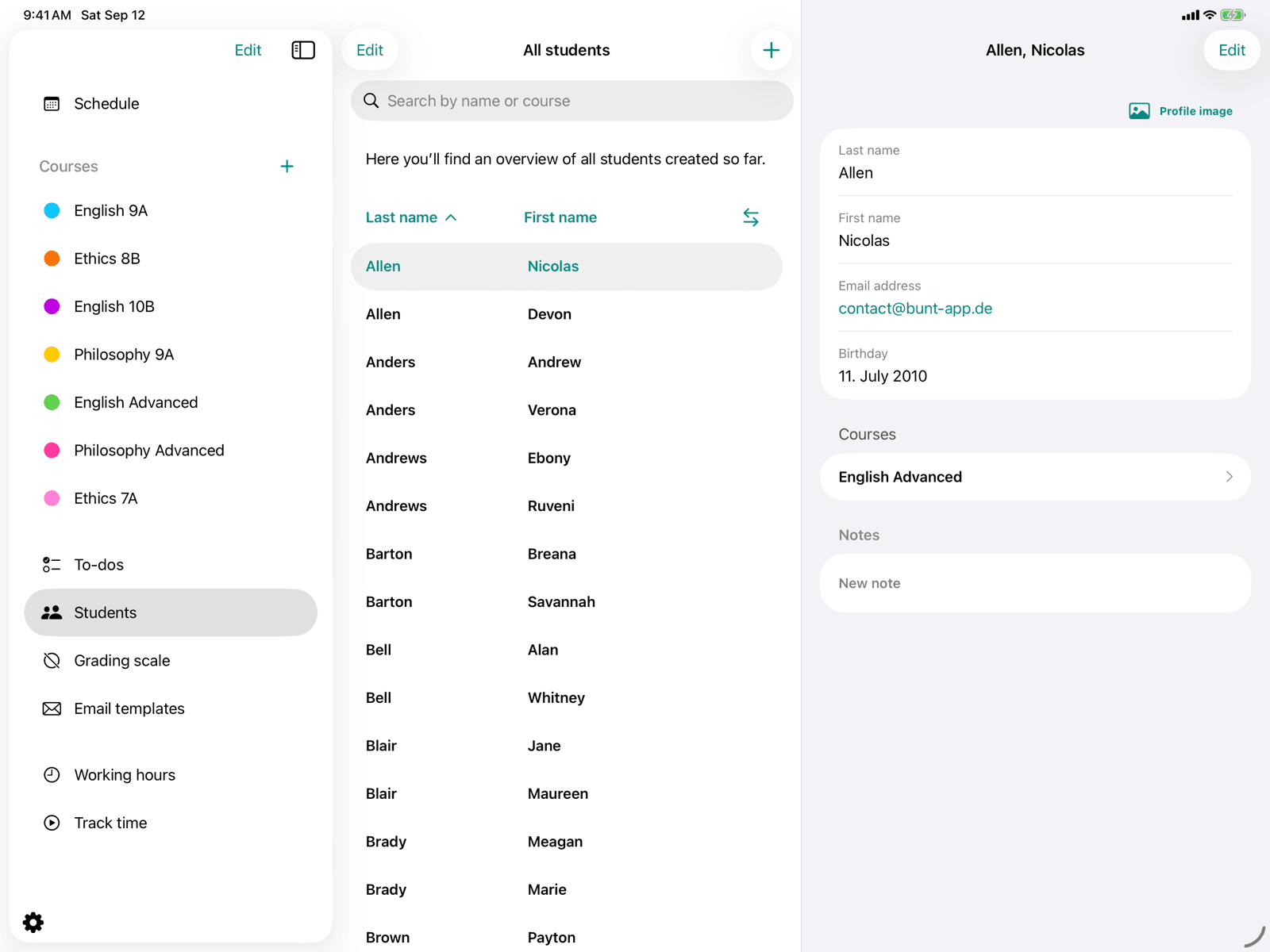
Student list
Global overview of all students across every course.
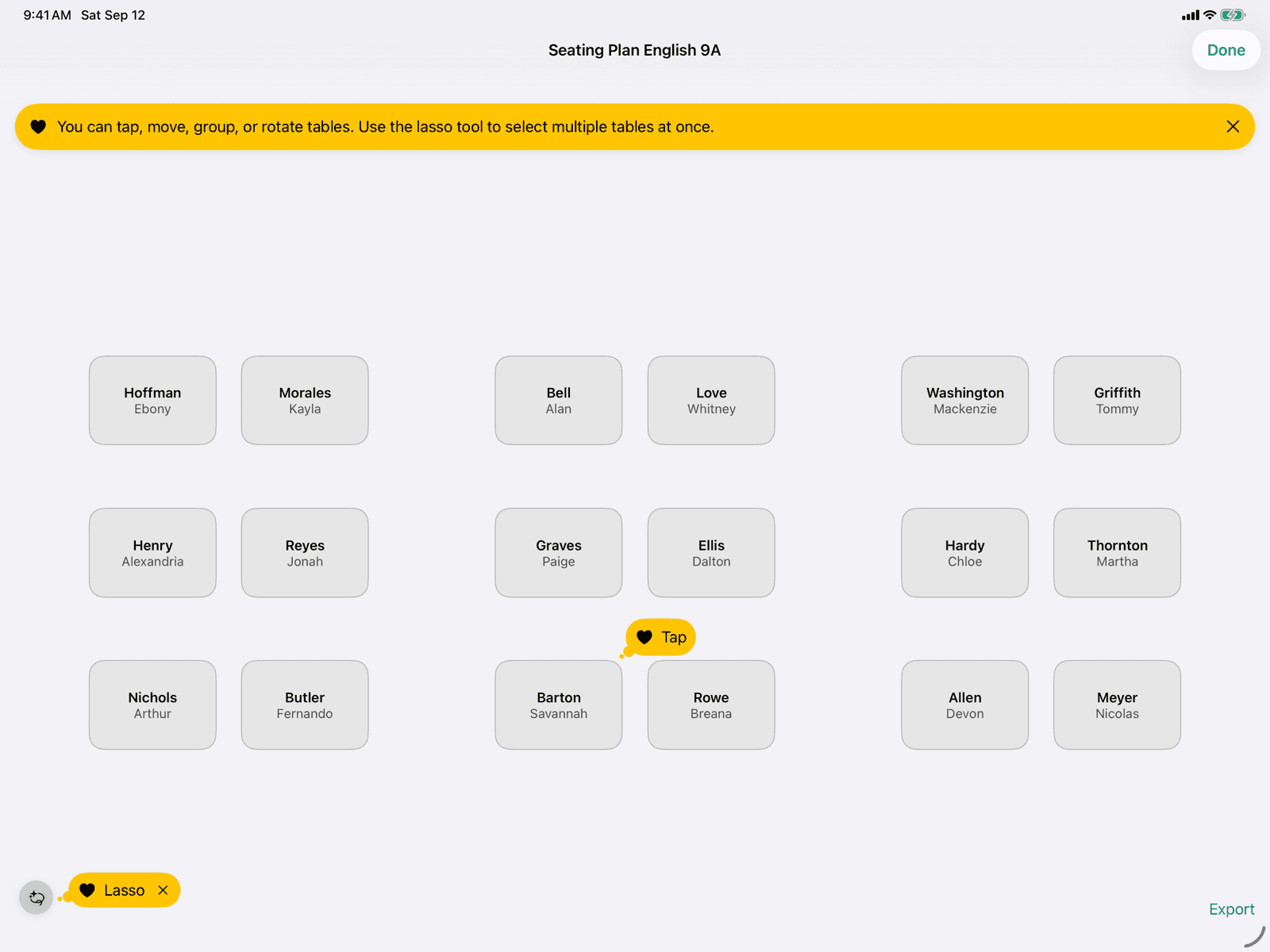
Seating plan
Arrange your course's desks freely on a stage and rotate or group them.
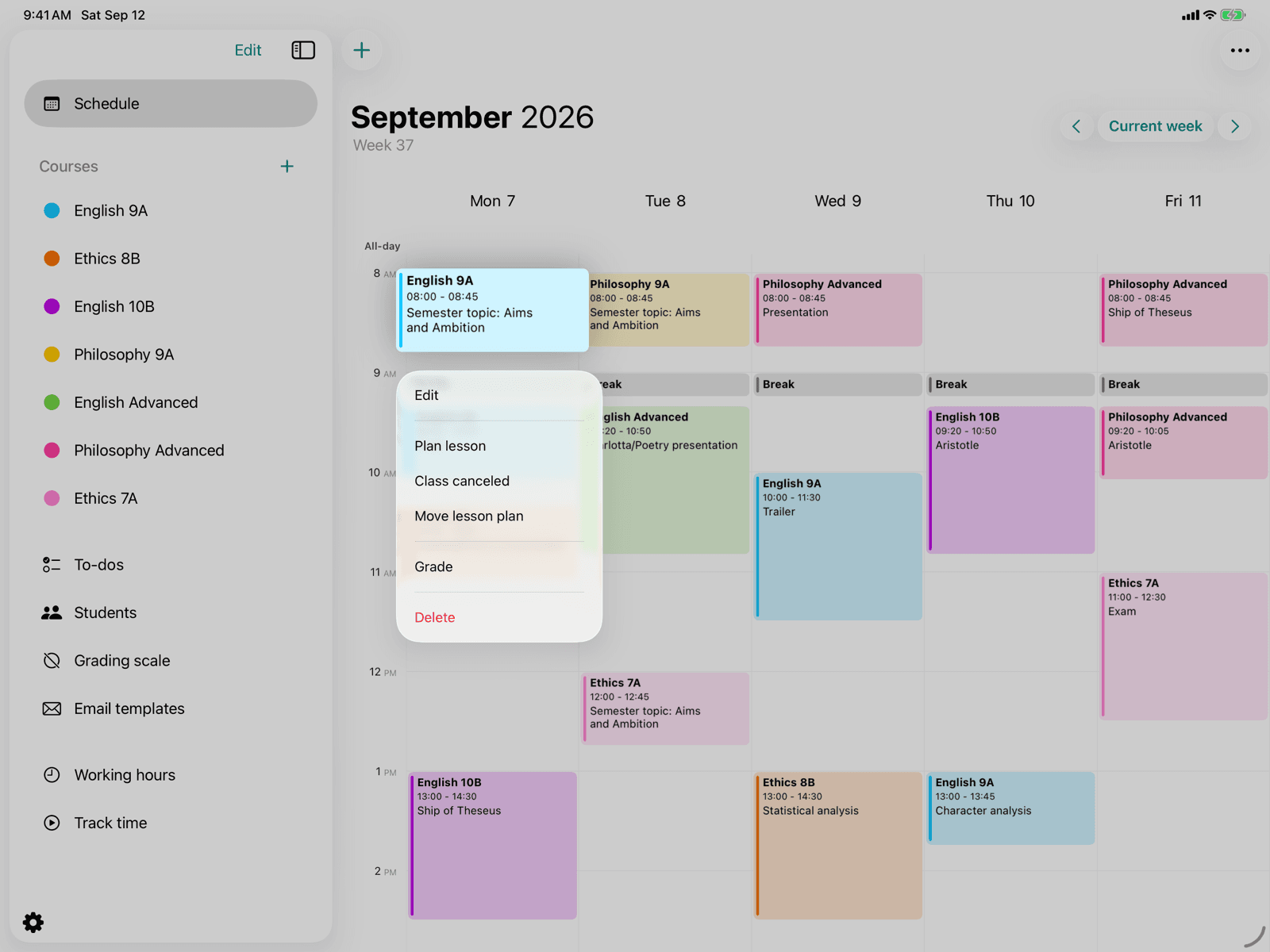
Lesson in the calendar
Control planning, cancellation and rescheduling directly in the week view.
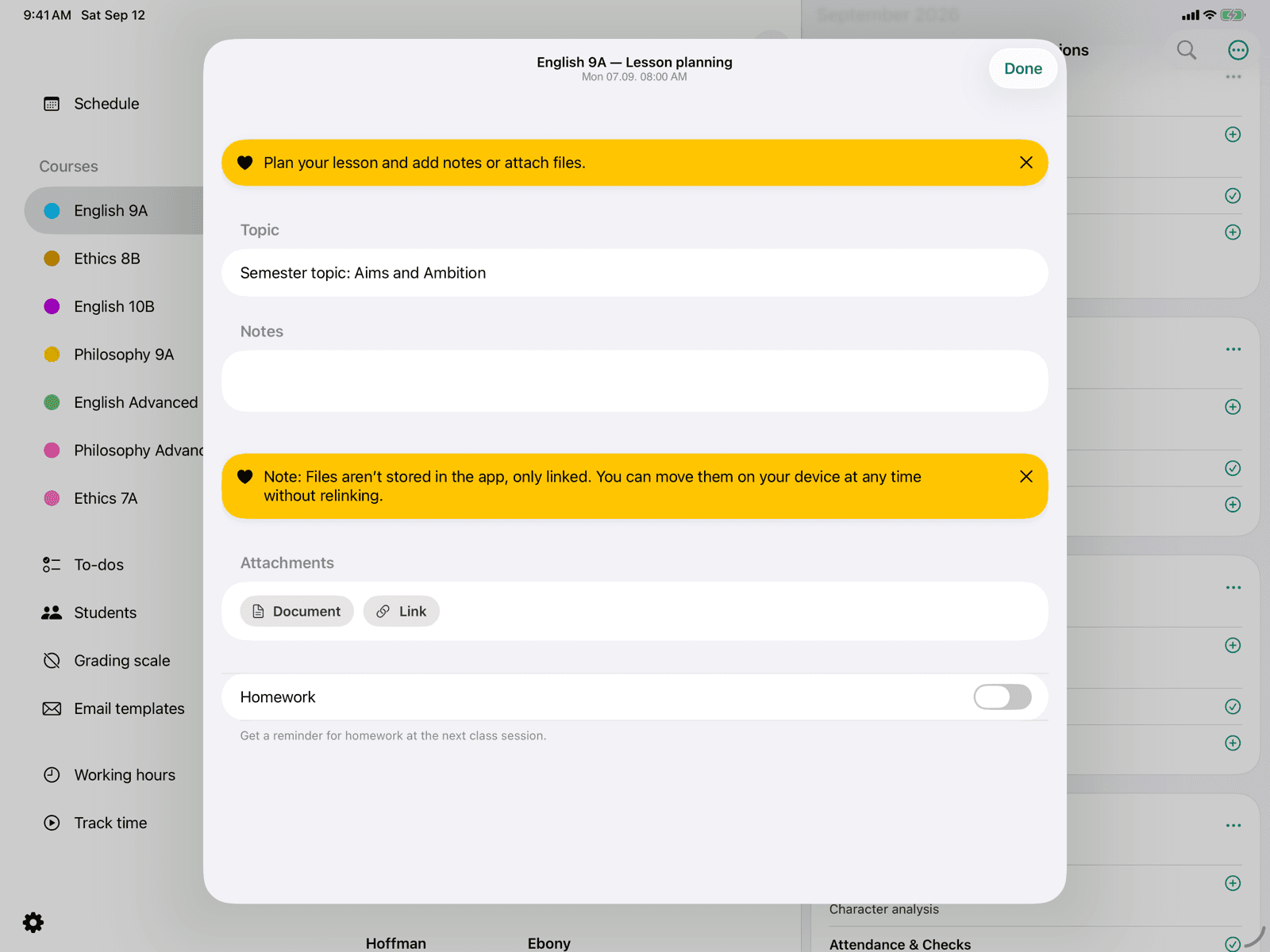
Plan lesson
Manage lesson content, homework and file attachments.
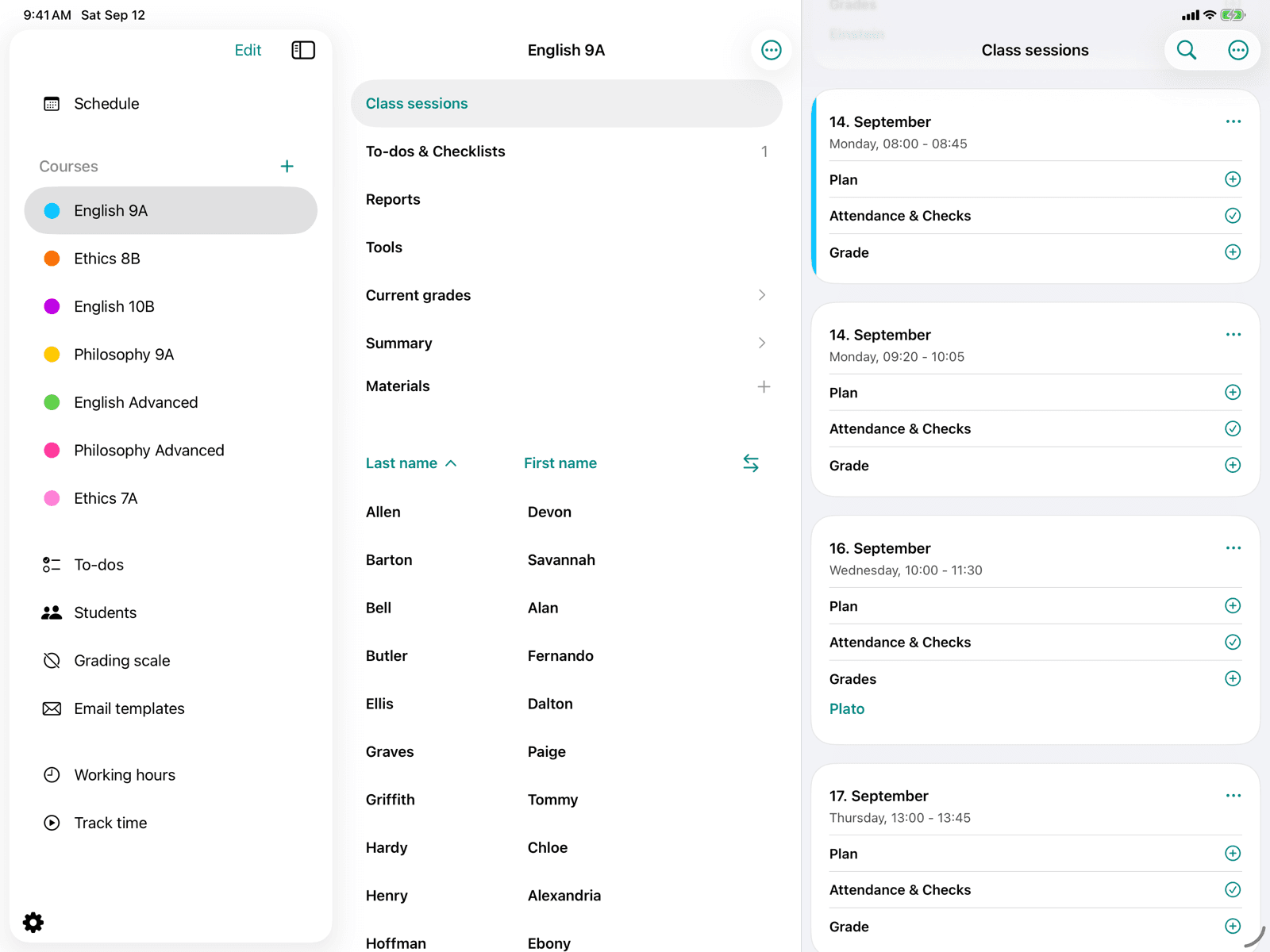
Lessons
Manage all lessons of a course.
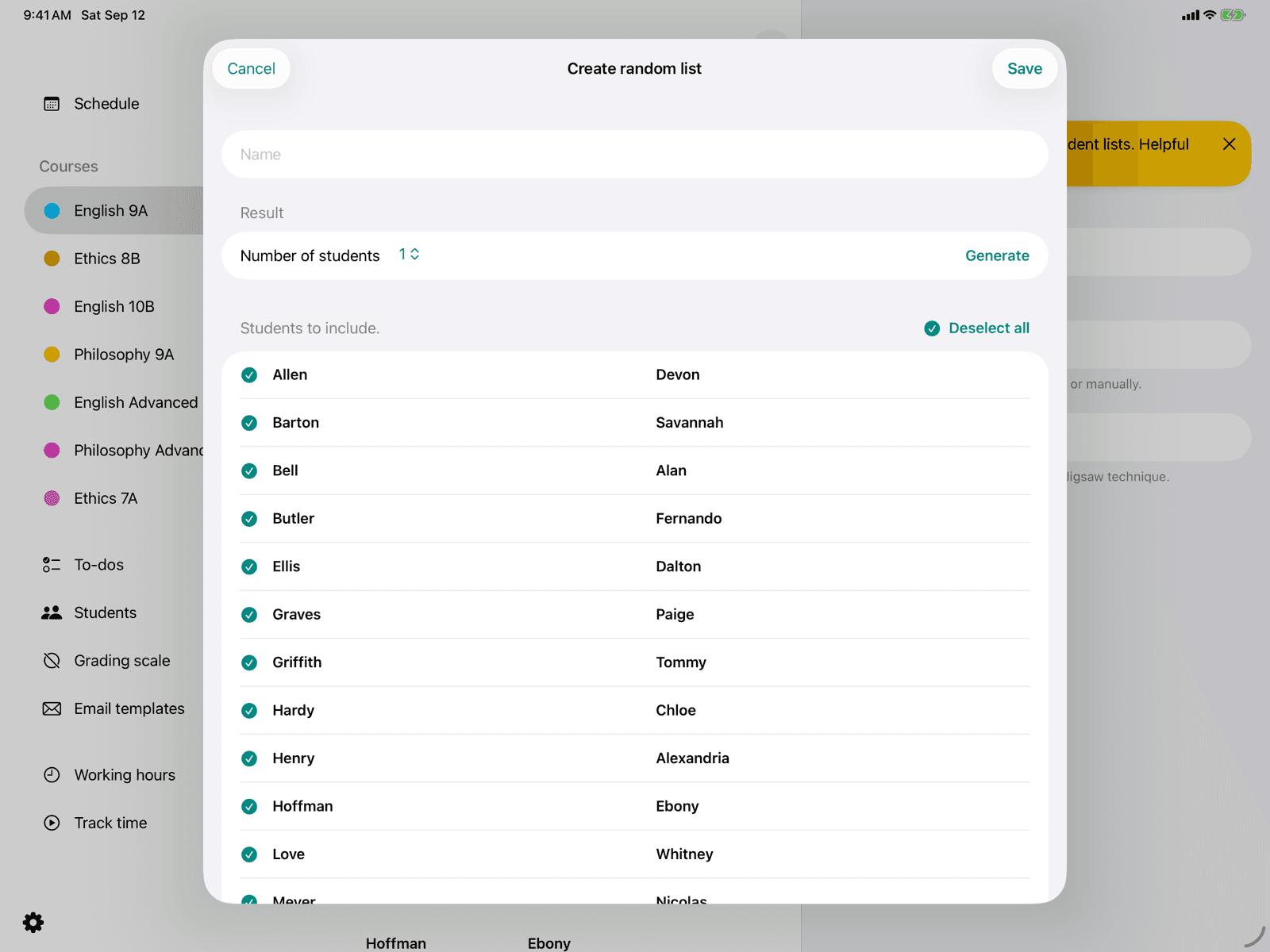
Random list
Generate random student lists for oral tests and assessments.
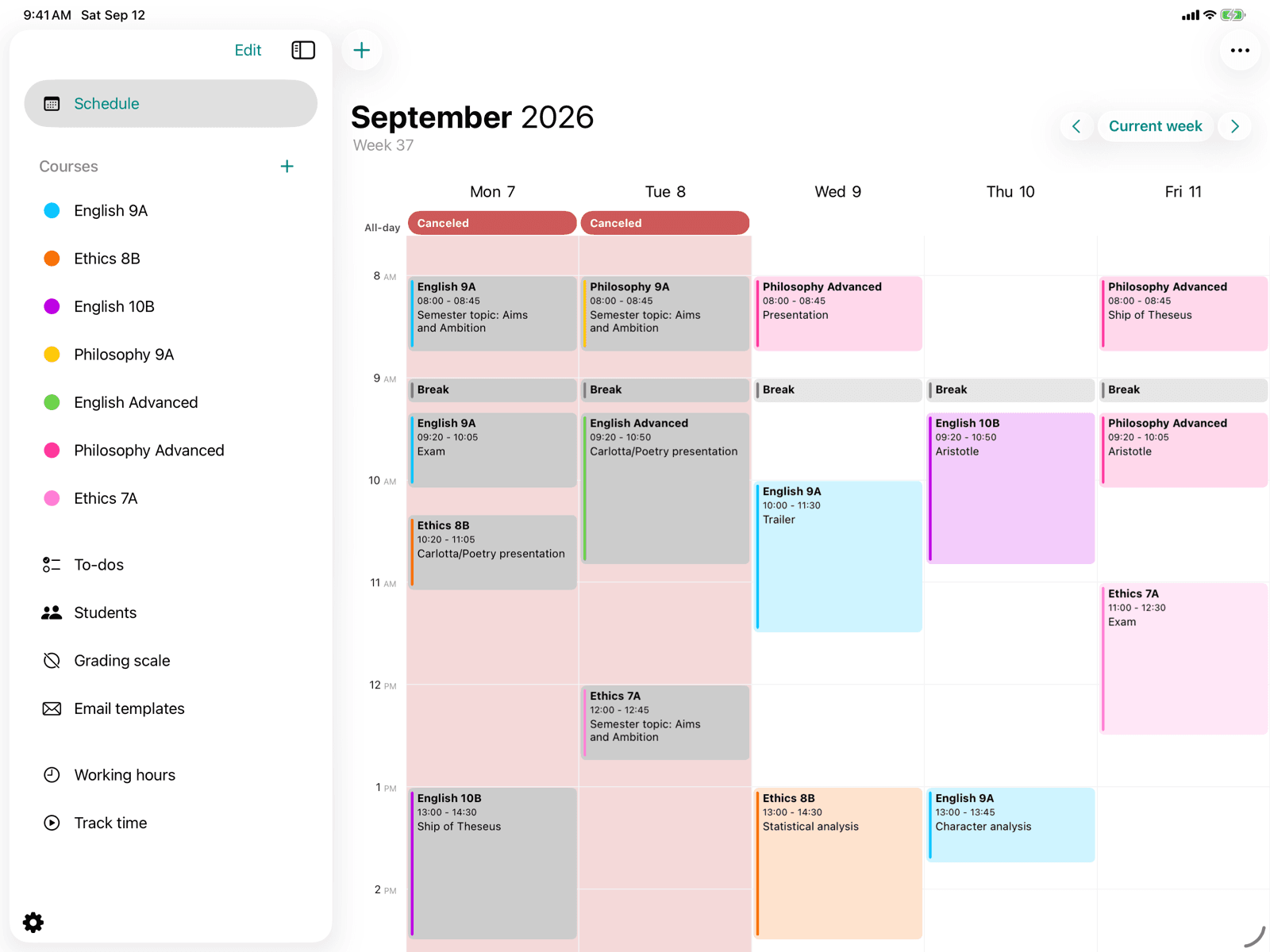
Mark absences
Mark weekdays without regular lessons.
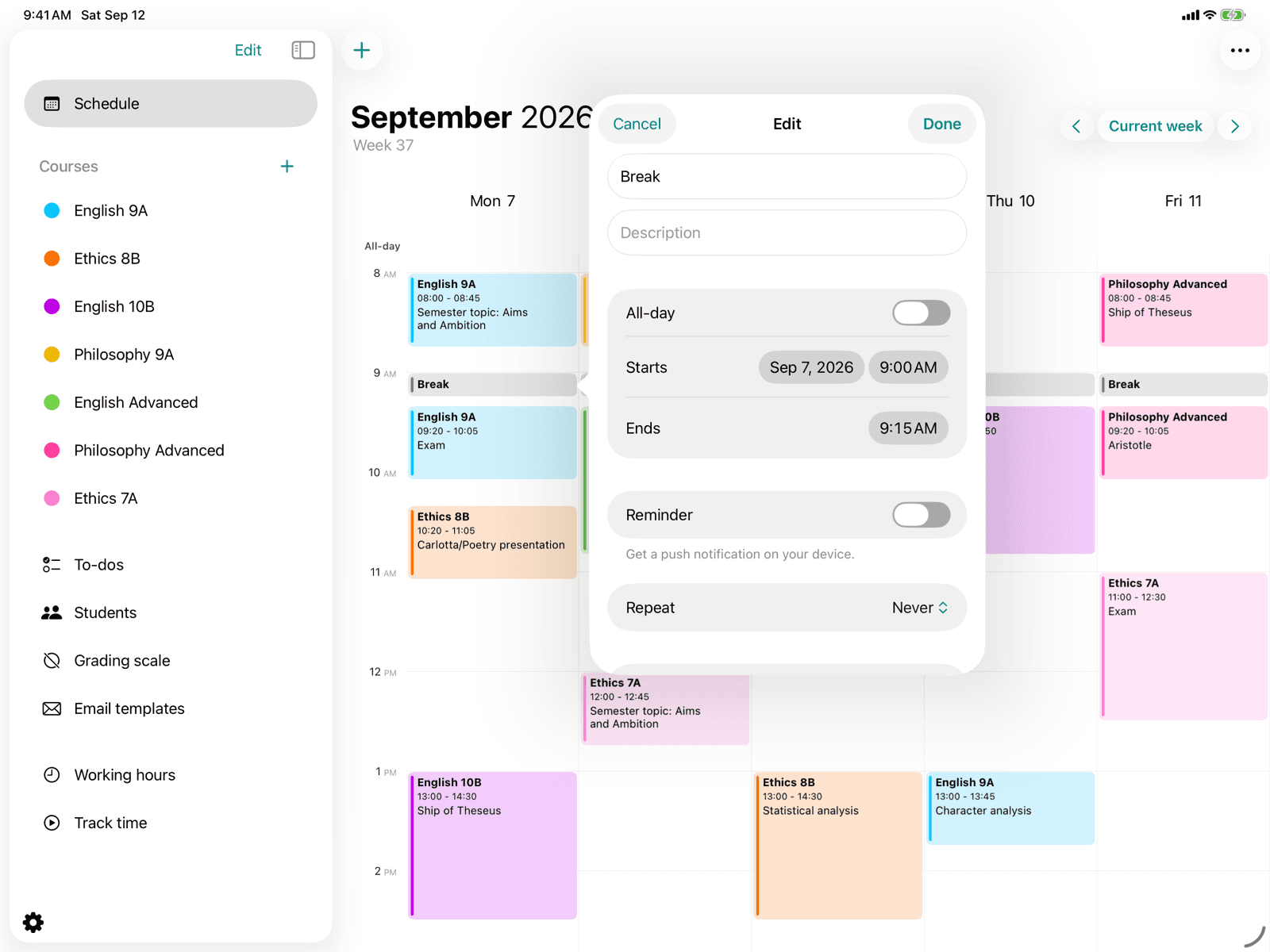
Edit reminder
Edit the title, date, repetition, and color of a reminder.
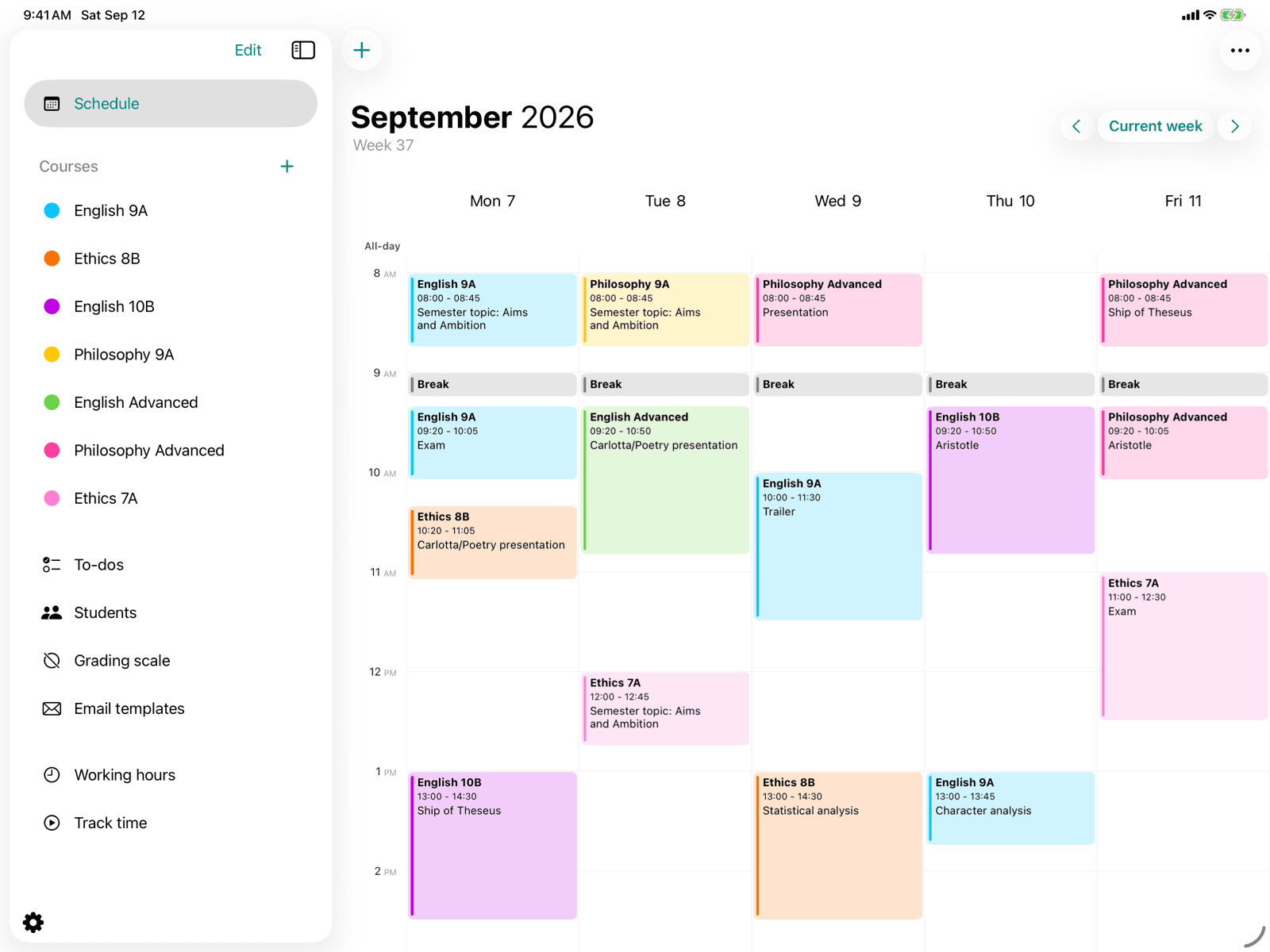
Create an event
Add a new event to the timetable and choose its type.
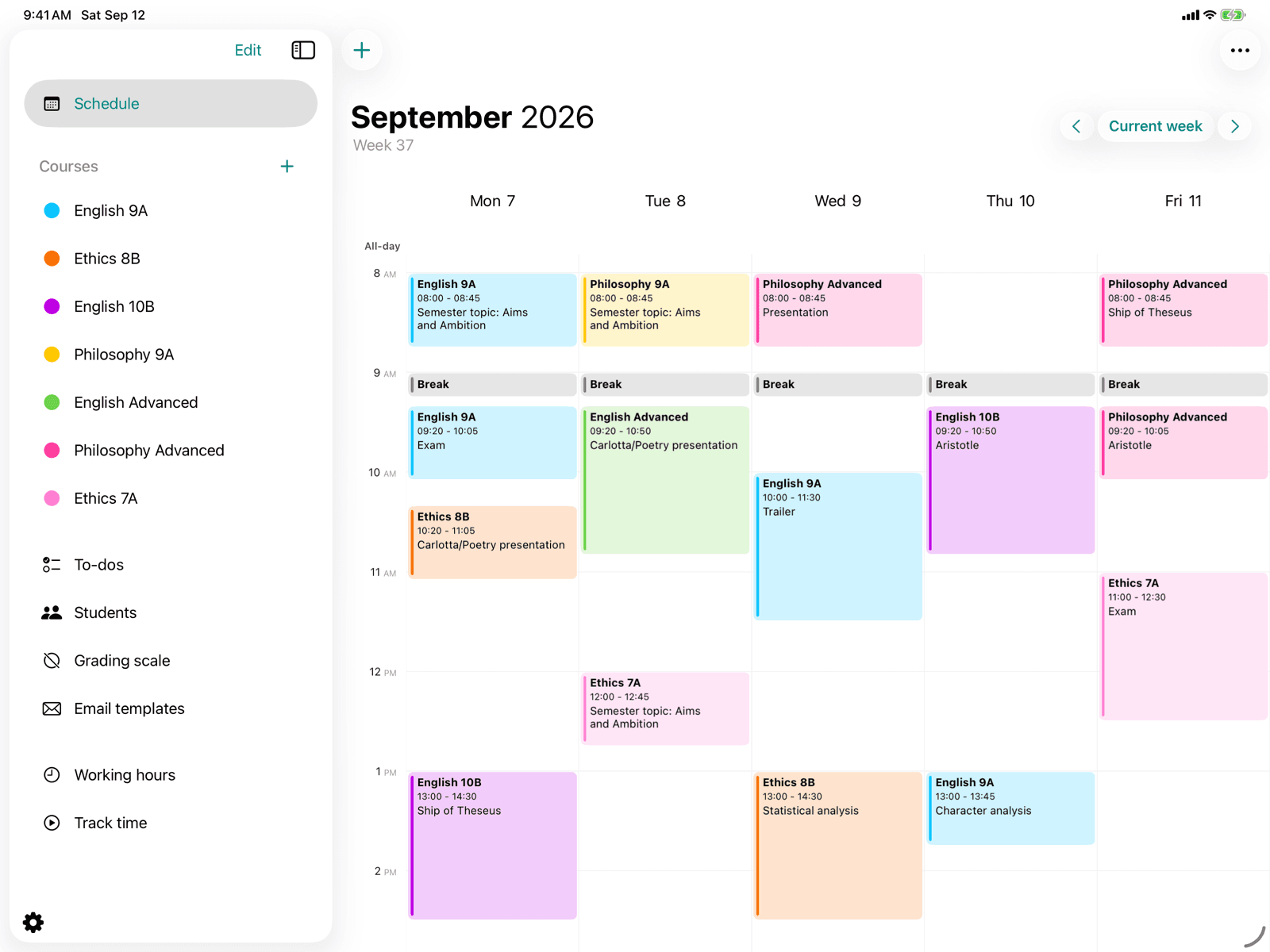
Week view
See your events, lessons, and holidays as a weekly calendar.
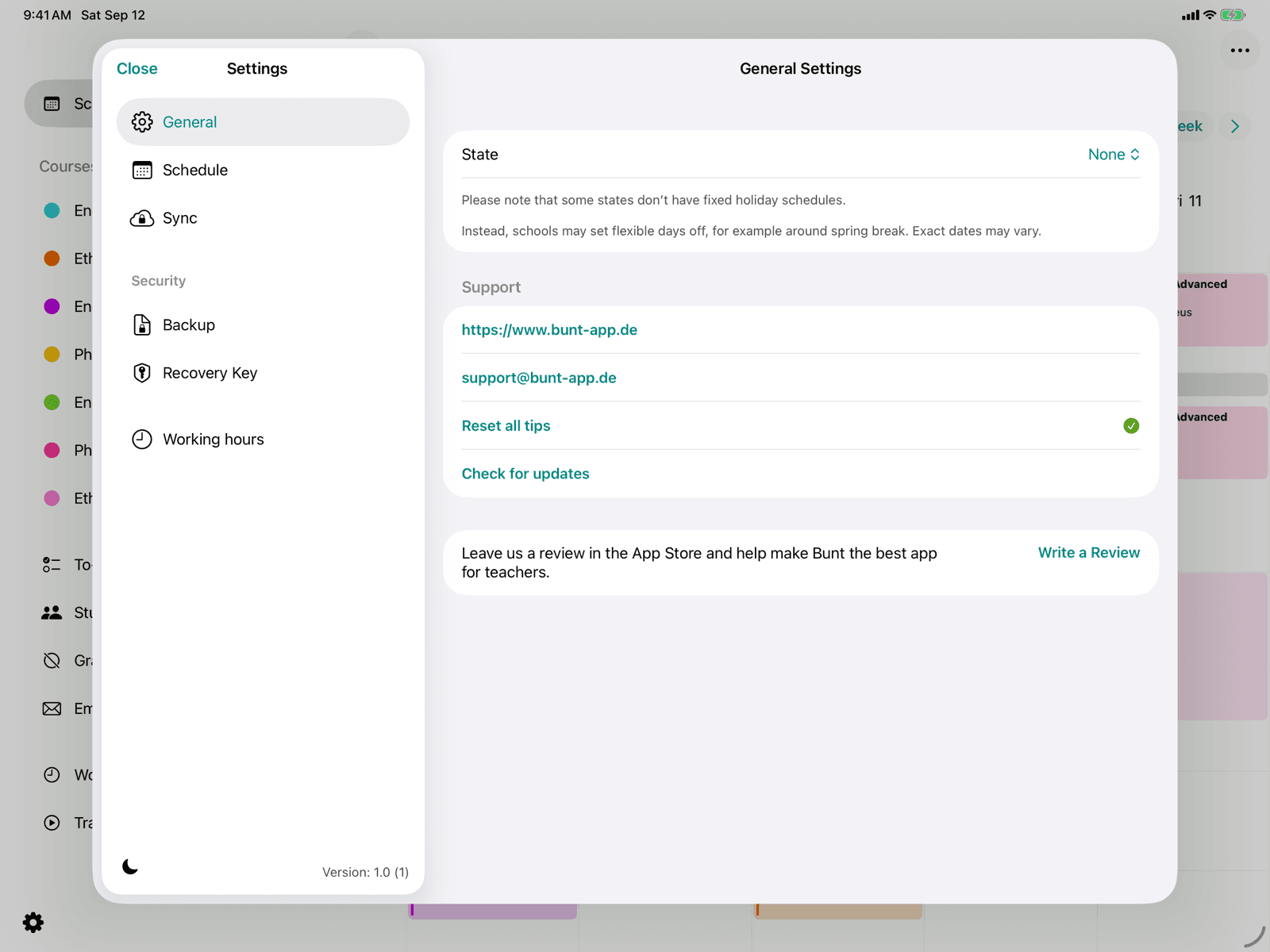
General settings
Manage your state, support contact, hints, and app updates.
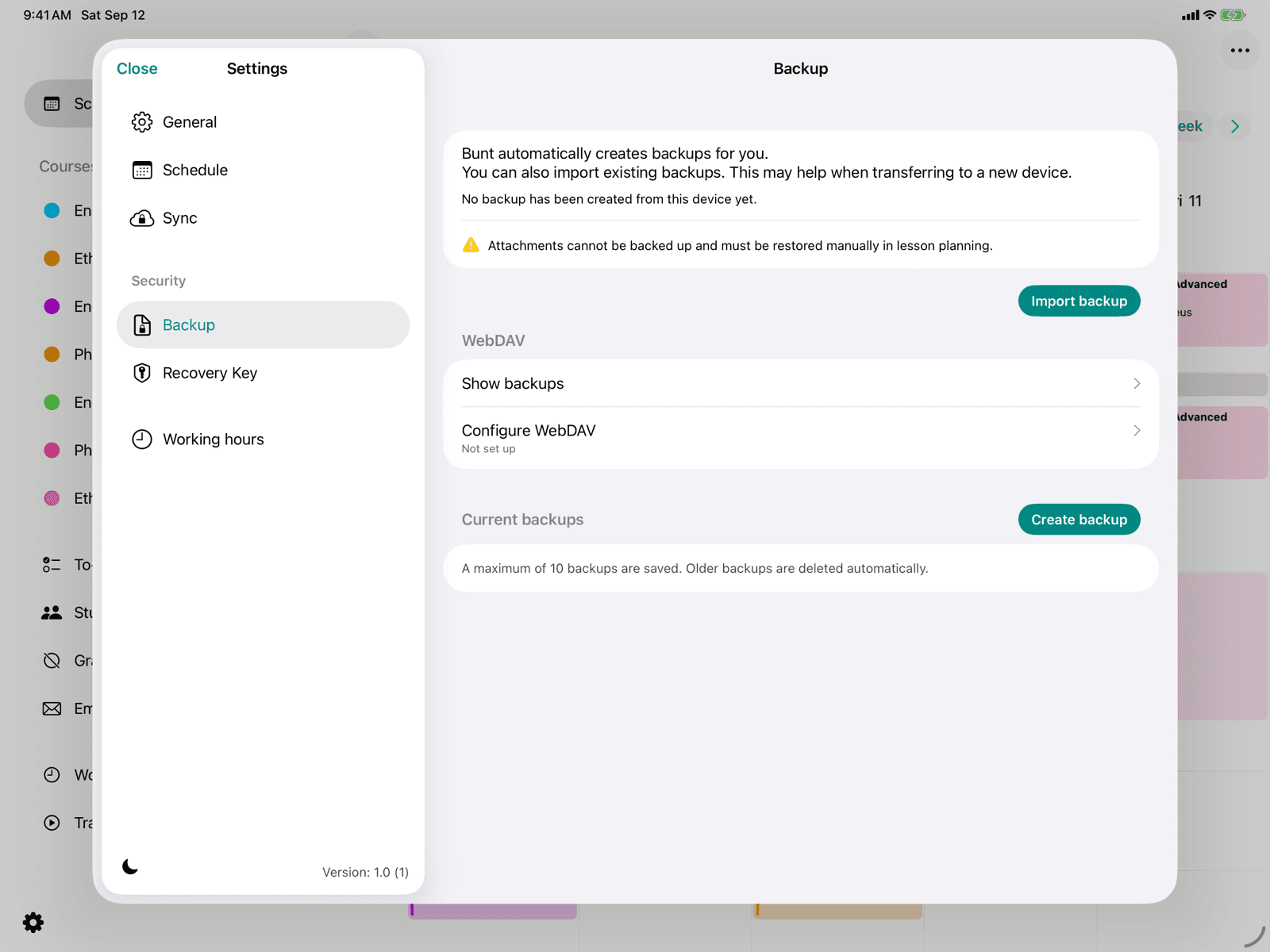
Backup settings
Manage automatic and manual backups of your data.
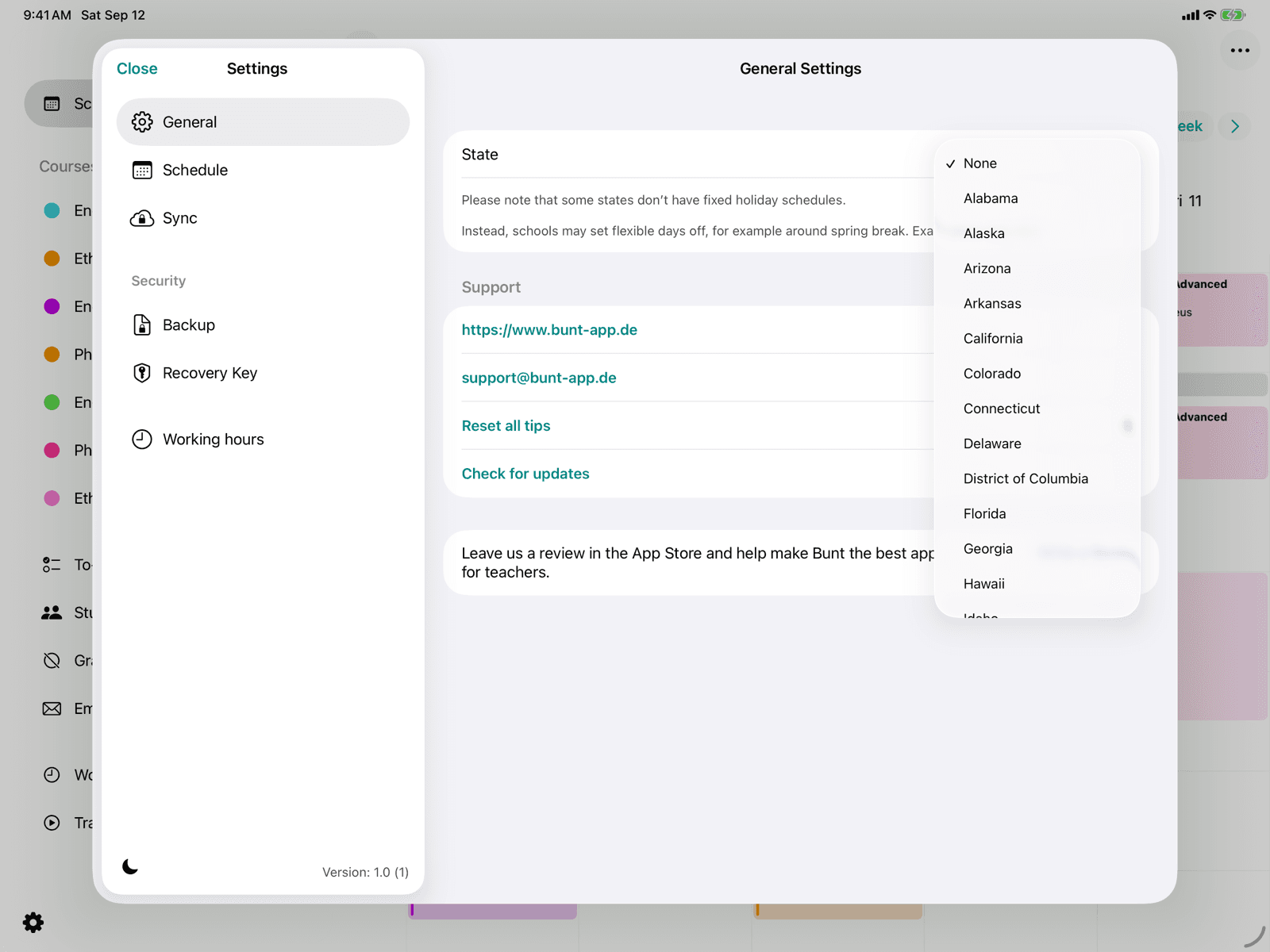
Choose holidays
Choose your federal state so Bunt automatically adds school holidays and public holidays to your calendar.
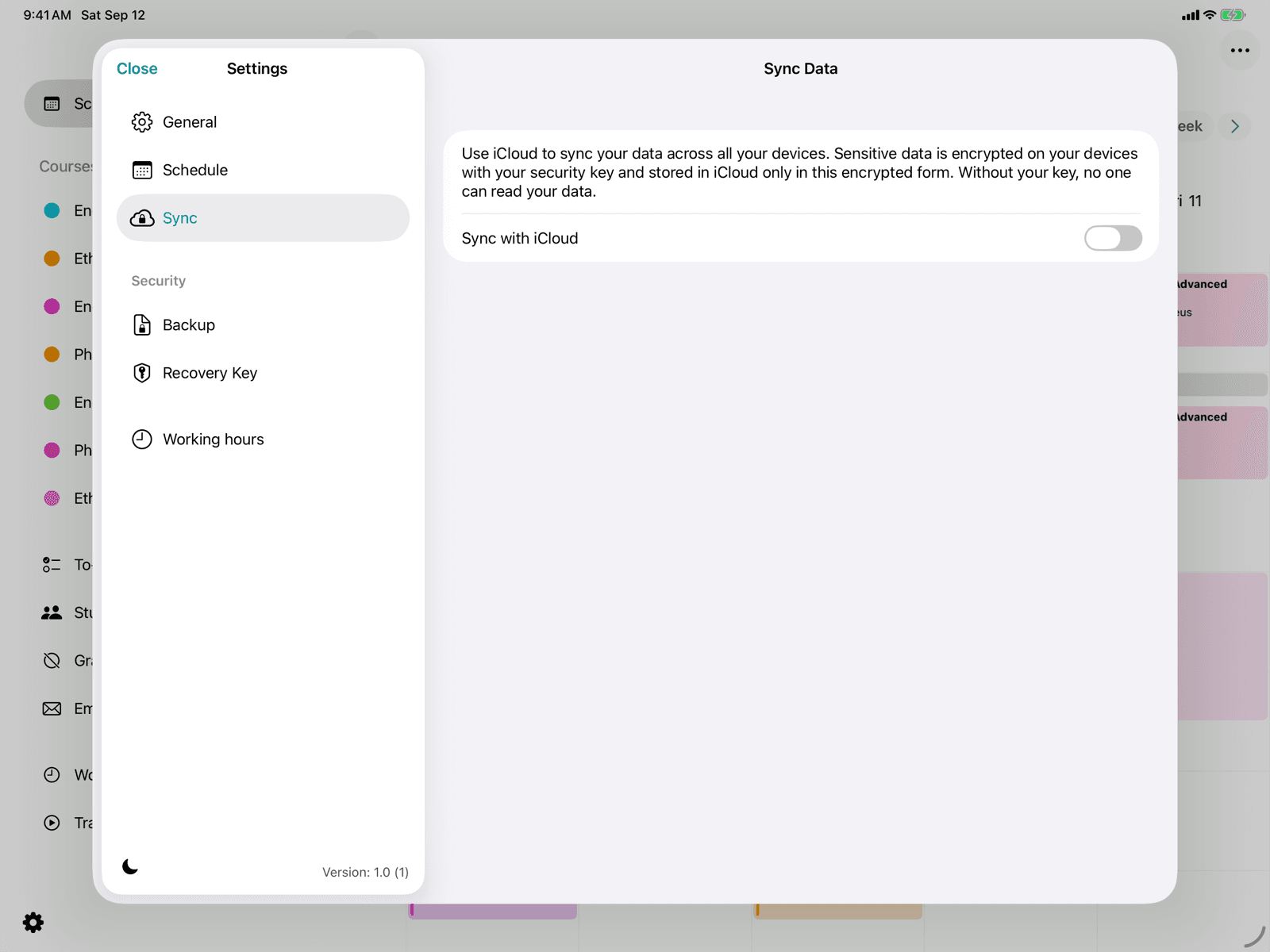
iCloud sync
Keep your data up to date across all your devices via iCloud.
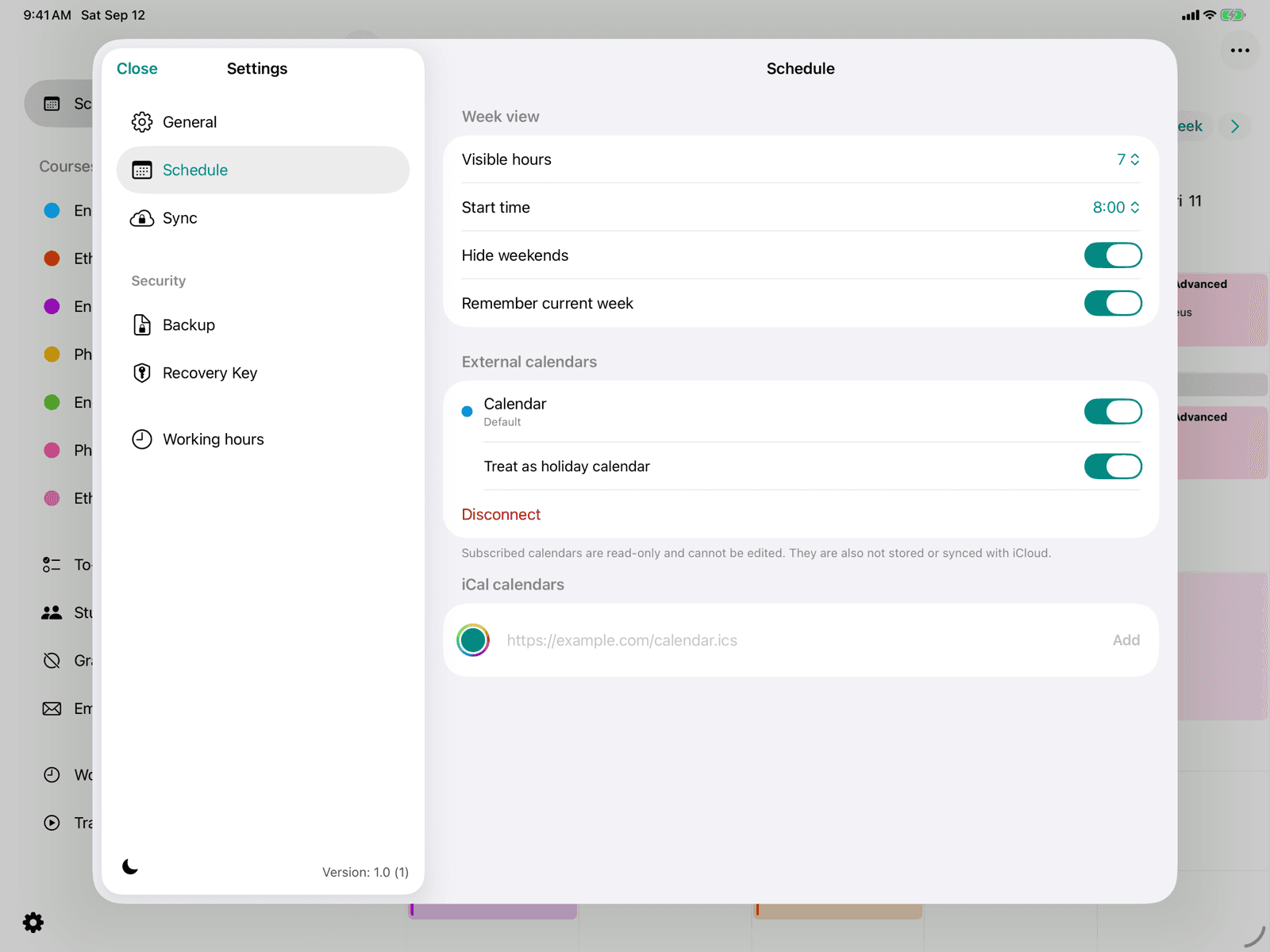
Calendar settings
Adjust the appearance and start time of the week view.
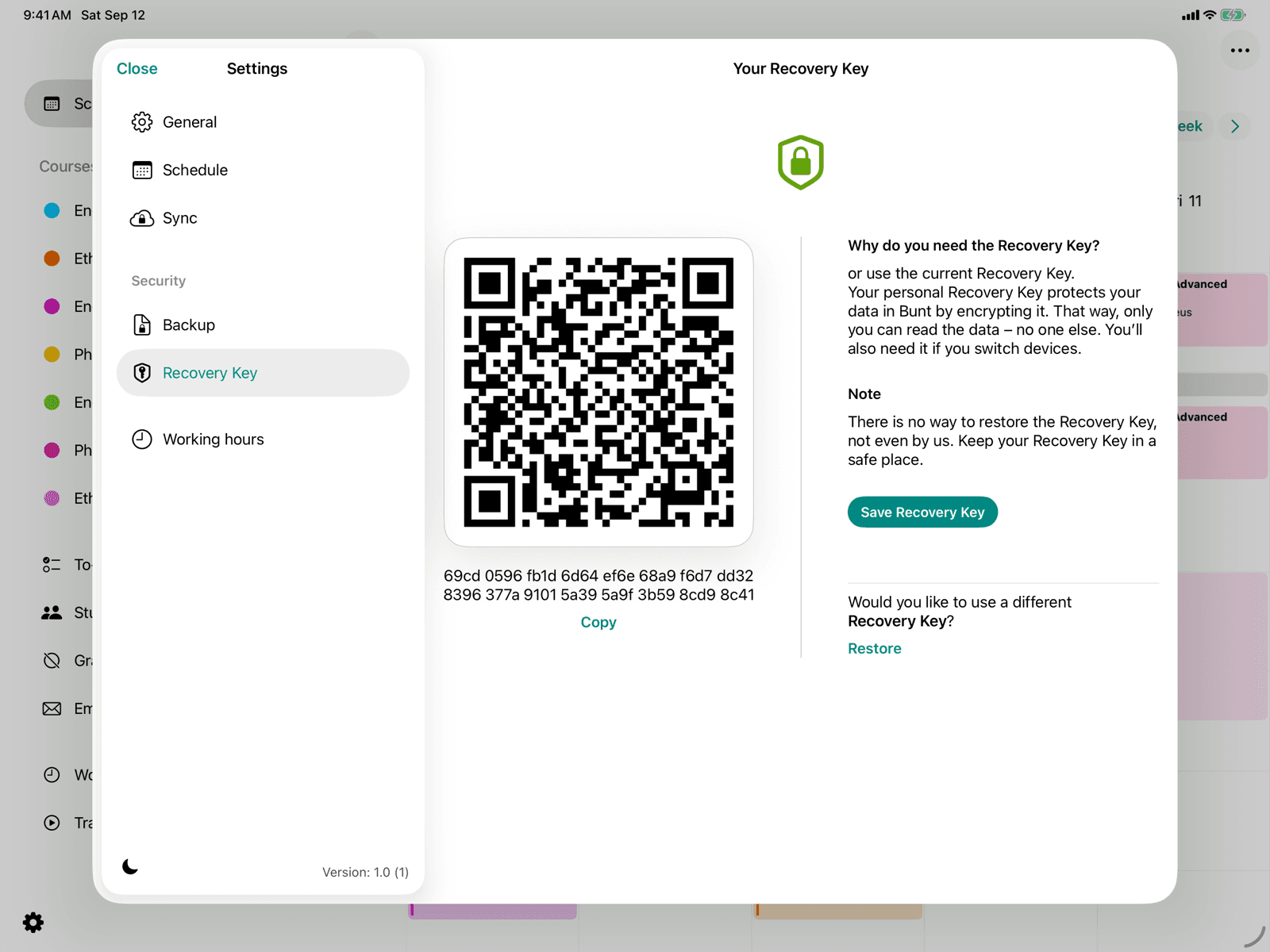
Recovery key
View your security key and back it up again at any time.
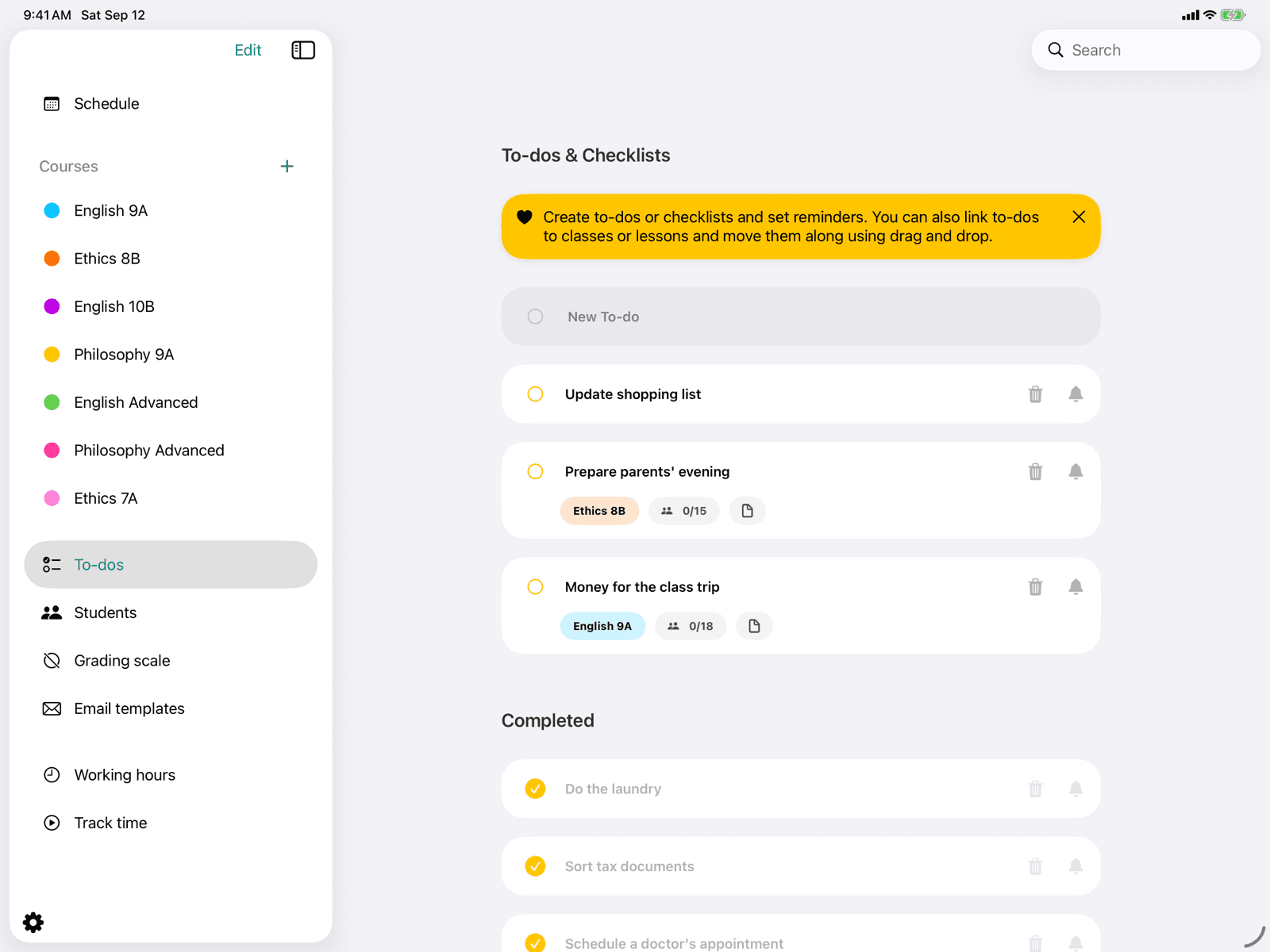
To-dos & checklists
Create to-dos or checklists, attach files, and set reminders.
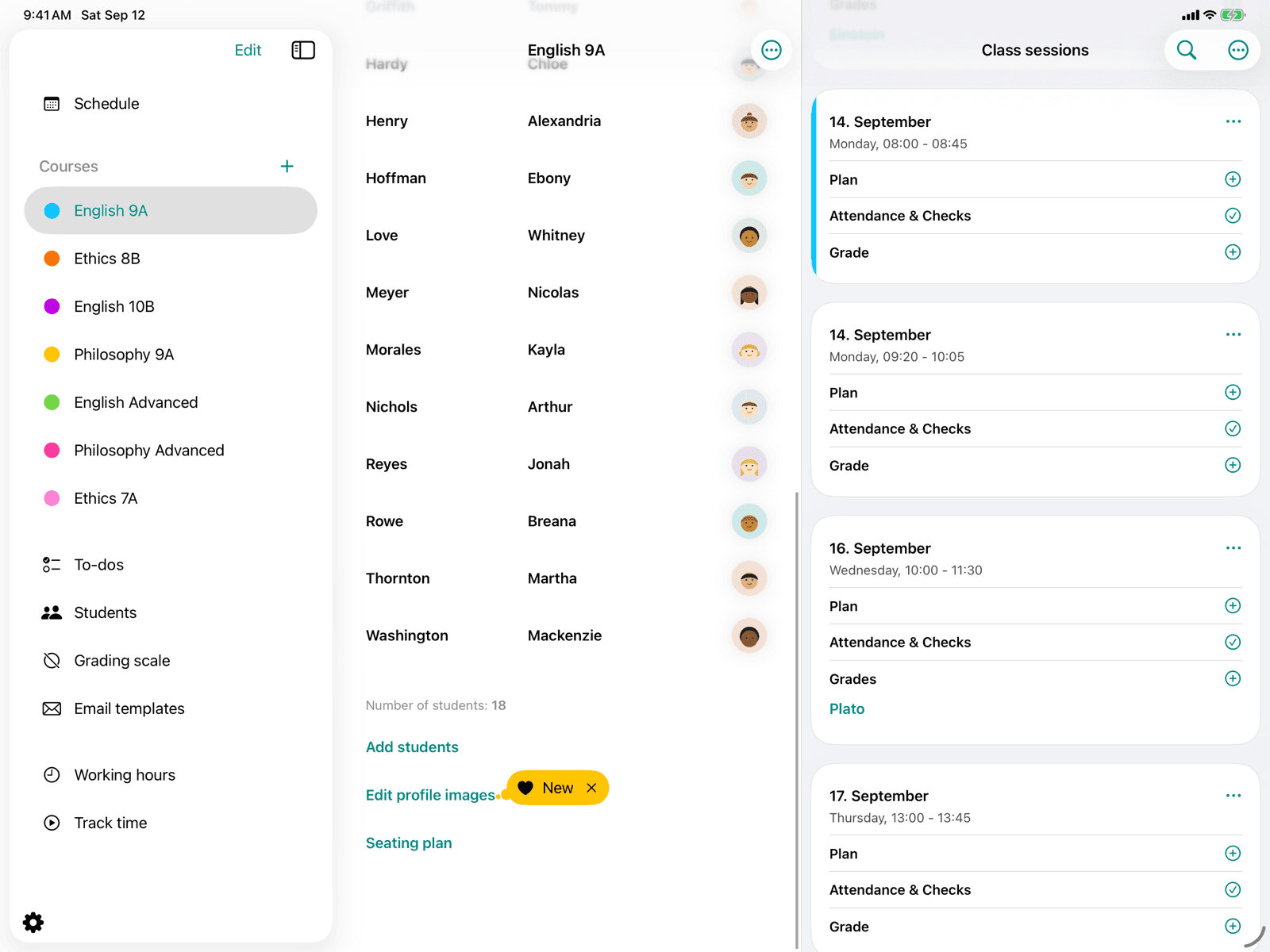
Profile images
Assign a profile image to each student using automatic face recognition.
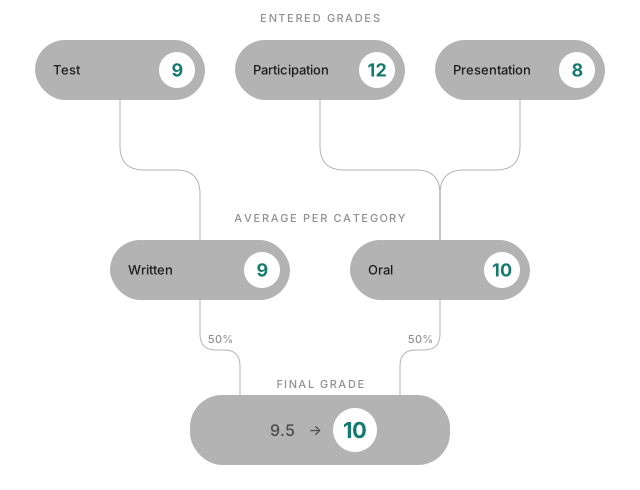
How Bunt calculates grades
How a student's final grade is built from individual grades.
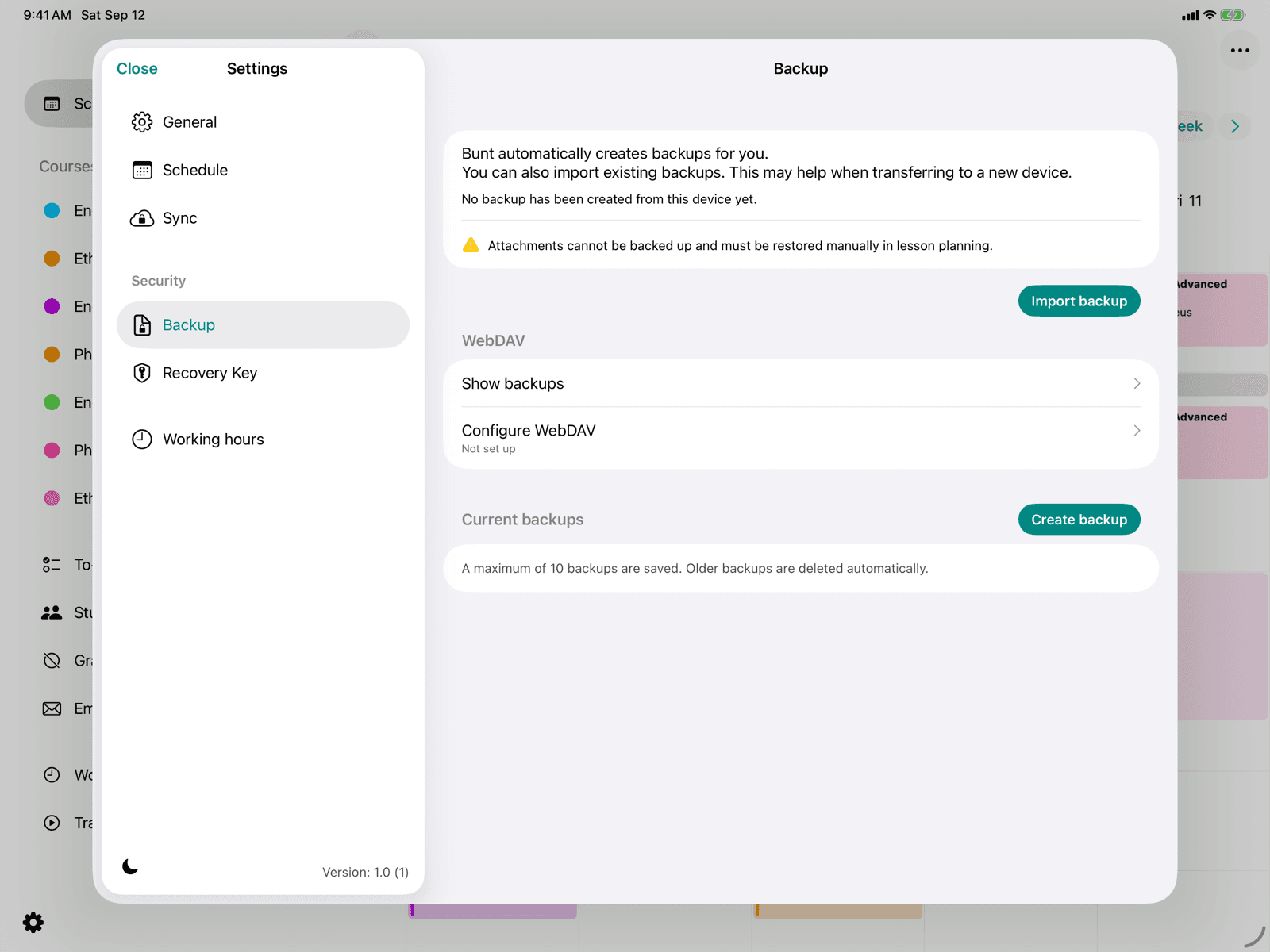
WebDAV synchronization
Back up your data automatically to your own WebDAV server.
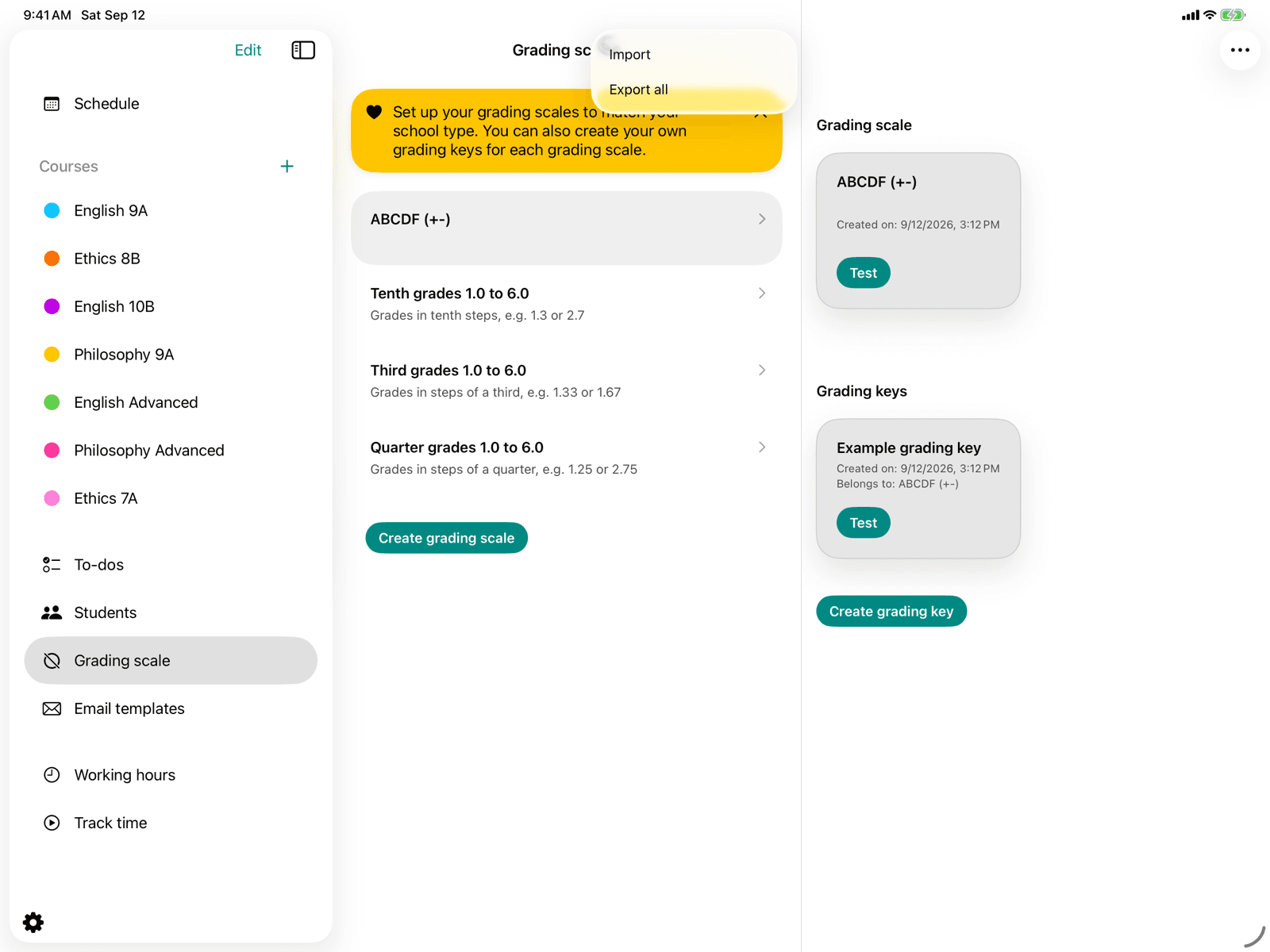
Grading keys via MDM
Provide grading schemes and grading keys centrally to all devices at your school.
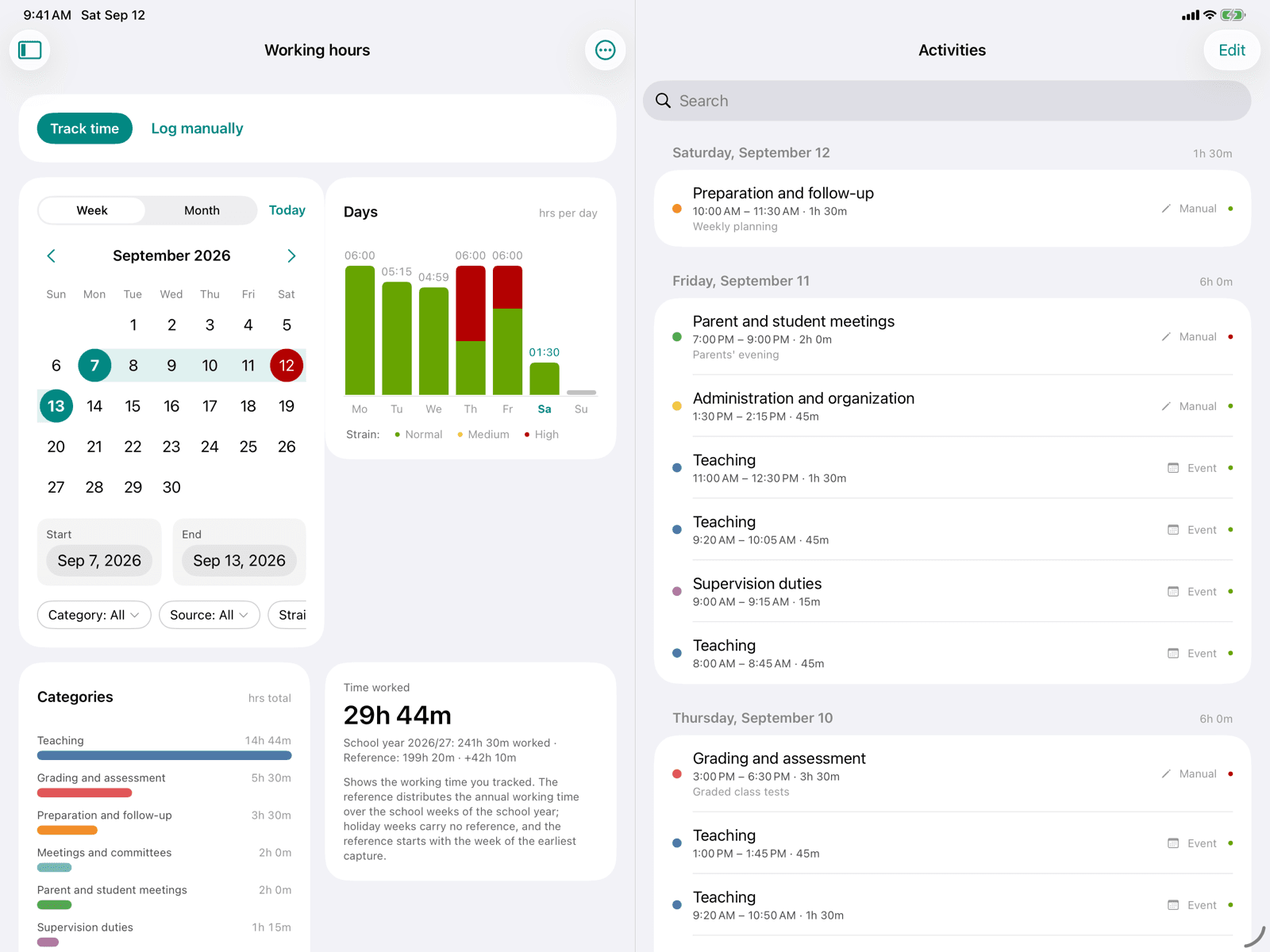
Working hours
Track your working hours, rate the strain, and export the record as a PDF.
Working hours via MDM
Provide categories, annual working time, and the school year start centrally for all devices of your school.
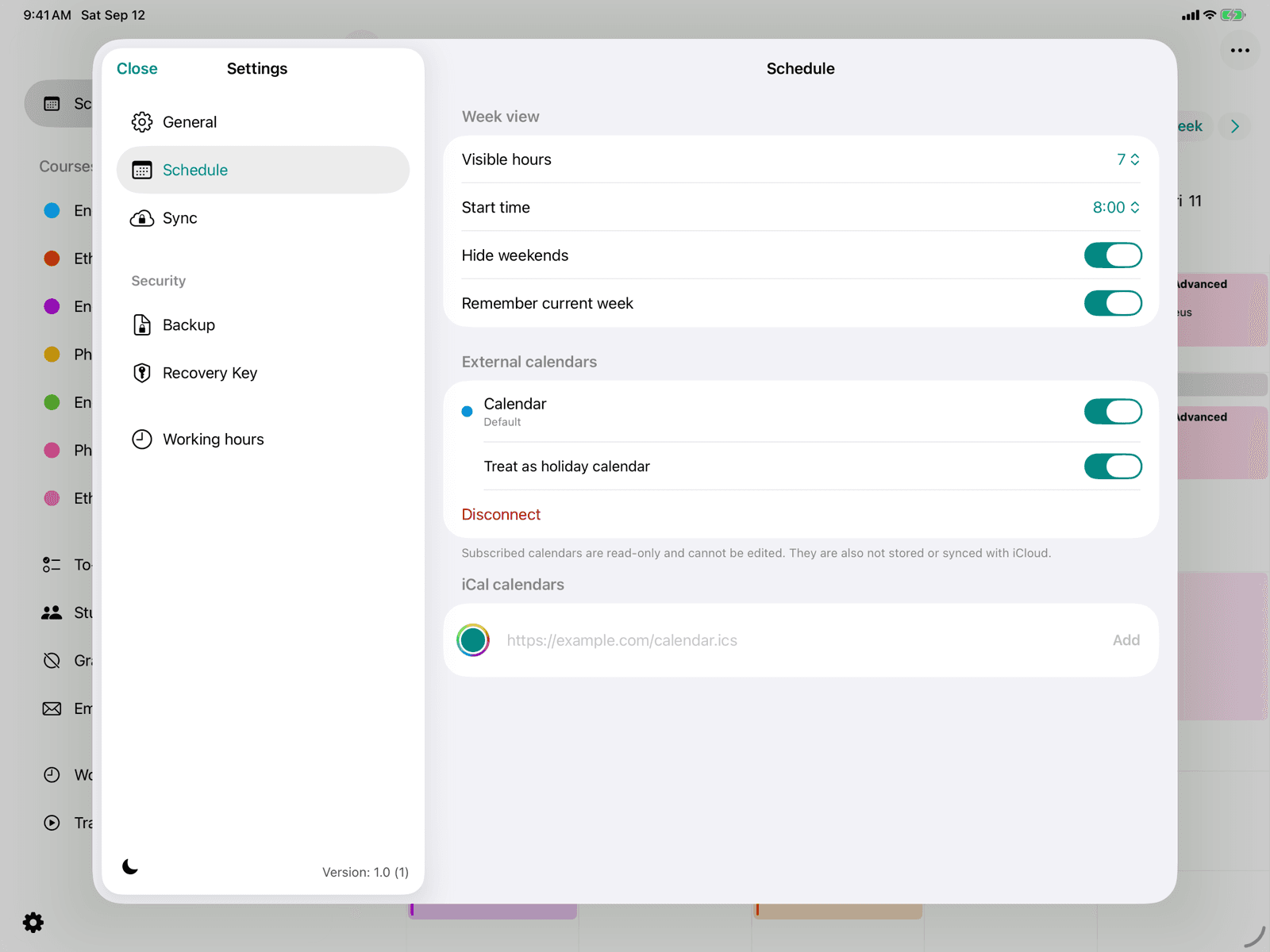
External calendars
Subscribe to calendars on your device or via iCal link and show their events in the schedule.